

THE SHORT ANSWER
B2B content marketing helps future customers understand a problem, compare approaches and prepare a buying decision. Expertise, distribution and your website need to work together. This guide explains how to turn individual articles, LinkedIn posts and downloads into a connected system. The recommendations are a practical operating framework for SaaS, IT and technology businesses; they do not promise specific rankings or a guaranteed number of leads.
1. Start with the decision your customer needs to make
Content planning becomes clearer when you first describe the decision a customer faces. An IT director may not need another definition of cloud migration. They need to evaluate risk, effort, dependencies and internal ownership. An HR leader selecting software needs different evidence from a developer checking an integration. Collect questions from actual sales and customer conversations before you choose formats and distribution channels. The content brief should reflect a buying situation rather than an internal wish to publish more often.
For each important role, map the starting situation, desired outcome, strongest objection, required evidence and sensible next step. Separate observed facts from assumptions. Your team may believe that security is preventing purchases, while interviews reveal a shortage of implementation resources. Those are different problems requiring different content. Research helps you avoid investing heavily in an answer that prospective customers are not looking for, and gives subject experts a focused contribution to make.
2. Build connected topic hubs instead of isolated posts
A pillar article explains a broad problem. Supporting articles answer clearly bounded questions within that problem. For a SaaS company, the overview might explain how to select resource planning software, while detailed articles cover data quality, roles, implementation and reporting. This structure lets readers move from orientation to a specific task. Place internal links where a related question naturally arises, and describe the destination so that the next click has a clear purpose.
Every page needs a distinct reason to exist. Ten near-identical posts targeting slight keyword variations do not create a useful knowledge hub. Define one reader question and one practical output before writing, such as a selection matrix or an interview template. Clear terminology, direct answers and credible sources support search and AI-assisted discovery. However, no article structure guarantees a ranking position or inclusion in an AI answer. Useful coverage takes priority over artificial volume.
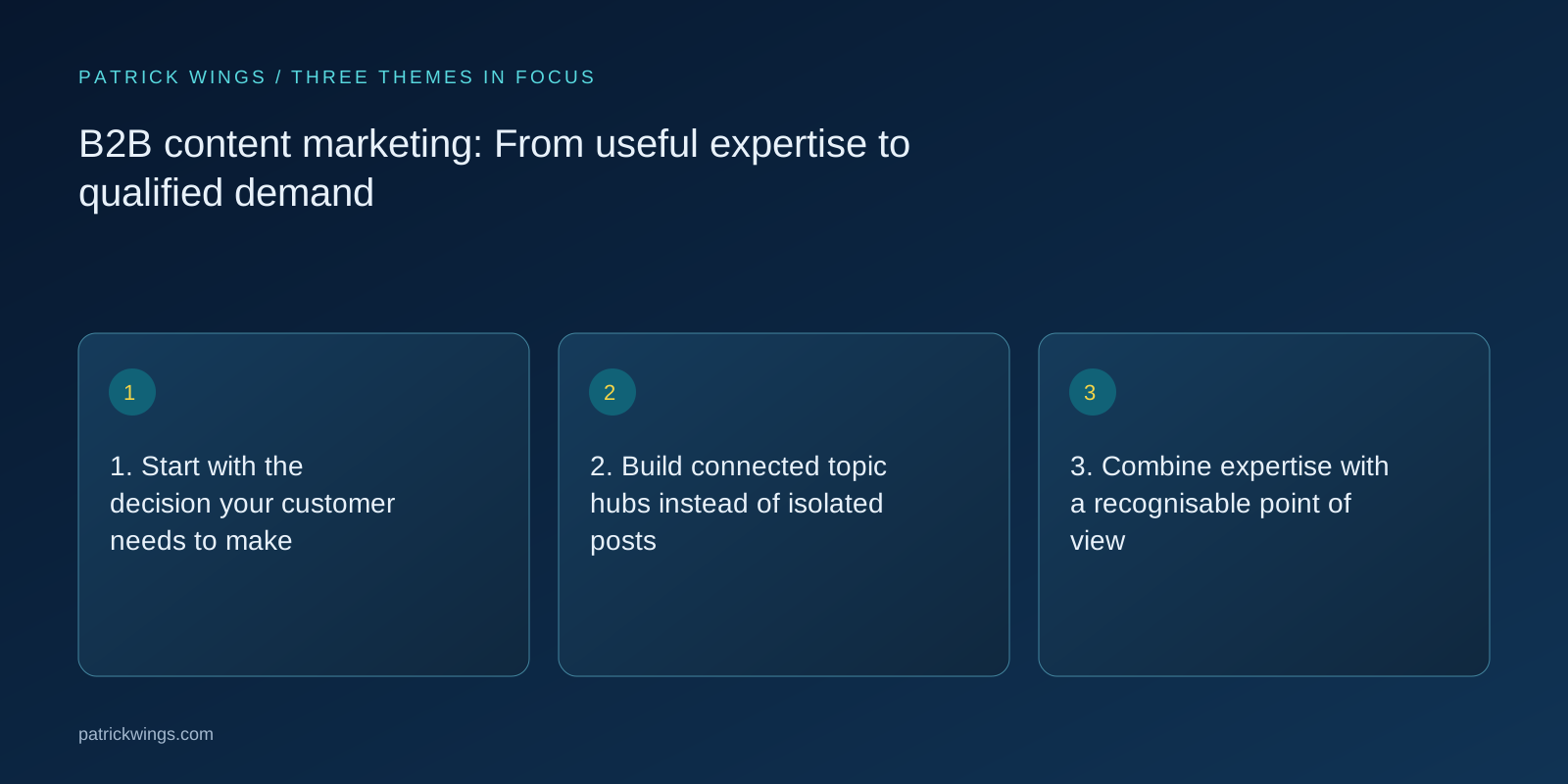
3. Combine expertise with a recognisable point of view
Content becomes interchangeable when it repeats general advice. Interview the people who implement customer systems, manage campaigns or resolve difficult delivery problems. Ask about decisions: which alternative was rejected, which prerequisite is often missing, and when would your own solution be unsuitable? These details communicate expertise without dramatic claims. Record who checked an assertion, what evidence supports it, and which circumstances limit its application. This evidence makes future updates easier as well.
A personal perspective is particularly useful on LinkedIn. A post can challenge a common assumption and explain, through a concrete example, when that assumption fails. Distinguish facts, opinions and illustrative scenarios. If a numerical example is invented to demonstrate a calculation, label it accordingly. Confidential customer information, internal budgets and unapproved outcomes should not become public content. A clear explanation of the reasoning is more persuasive than a broad promise of exceptional results.
4. Choose the format according to the job
A whitepaper can support a complex decision involving several stakeholders. A checklist helps someone perform a defined review. A visual explains a process or comparison when that relationship is easier to see than to read. A case study shows how a problem was addressed under particular conditions. A LinkedIn post opens a topic but does not need to replace an entire guide. Choose the format according to the information need and the context in which it will be used. Explore this further in the guide B2B visual storytelling: Make complex services understandable.
Also decide what access barrier is appropriate. A short introductory article will usually be more useful when openly available. A substantial working resource may justify a form when the benefit and exchange are clear. A download nevertheless signals interest in the resource rather than confirmed buying intent. Give each asset a follow-up question and a voluntary next step. This creates a helpful transition between learning, further investigation and a possible business conversation without forcing every reader into a sales process.

5. Plan distribution inside the content brief
Publishing does not distribute an article automatically. Decide how the material will be used on LinkedIn, in relevant emails, by sales and on related website pages. One detailed expert interview might support a guide, a process comparison and several independent LinkedIn posts. Each derivative needs its own context and an argument that makes sense in the destination channel. Simply shortening the original rarely produces a strong new piece of communication for a different audience situation.
Use consistent campaign naming and appropriate tracking parameters for campaign links. Record qualitative signals too: which question did a post generate, which explanation helped a sales conversation, and which resource did a prospect forward internally? These observations do not replace measurement, but they improve interpretation. In a long B2B buying process, the final recorded click rarely explains all the content that contributed. Keep reported attribution distinct from stronger claims about causation or incremental impact.
6. Treat the website as part of the content experience
When an article creates interest, the destination page needs to continue the conversation. Explain who the offer is for, which problem it addresses and how your approach works. A vague promise about digital transformation is less useful than a concrete description of the task. Follow with relevant evidence, an understandable delivery process and a next step appropriate to the buying stage. For a complex service, this might be a focused discovery conversation with a stated purpose.
Review forms and mobile layouts as carefully as the main copy. Labels, understandable error messages and clear expectations help people complete the process. Ask only for information you need at that stage. A form cannot compensate for an unconvincing page. If visitors do not understand why a conversation would help, or who will contact them afterwards, removing a field is unlikely to resolve the underlying uncertainty. Message clarity and interaction design belong in the same conversion discussion.
7. Make quality and learning part of the workflow
A practical editorial process names the owners of research, drafting, subject review, approval and maintenance. AI can organise source material and prepare alternative drafts. Factual accuracy, sources, specific product promises and publication still require responsible review. Google warns that generating large amounts of content without additional value may violate its scaled content abuse policies. The useful contribution to a reader therefore matters more than the speed at which a team can manufacture pages. Explore this further in the guide AI in your content workflow: Move faster with accountable review.
Evaluate content at several levels: does it reach relevant people, do they use it, does it support qualified conversations, and do suitable opportunities follow? Define those criteria with sales. Start improvements where there is a visible need and an identifiable weakness. A sensible first release is one topic hub, a substantial guide, focused supporting resources and an understandable contact journey. Develop the next package from actual feedback rather than adding pages without a clear hypothesis about their purpose.
INTERACTIVE / FROM READING TO ACTION
Three checkpoints for your implementation
Choose a checkpoint and track your reading progress. Checks are neither saved nor sent and do not score your business.
CHECKPOINT 01
3. Combine expertise with a recognisable point of view
Content becomes interchangeable when it repeats general advice.
Explore in the article ↗CHECKPOINT 02
4. Choose the format according to the job
A whitepaper can support a complex decision involving several stakeholders.
Explore in the article ↗CHECKPOINT 03
5. Plan distribution inside the content brief
Publishing does not distribute an article automatically.
Explore in the article ↗Go deeper: 49 practical articles
Each article addresses a specific question. Use this guide for orientation and the supporting articles for implementation.
- Lead magnet or whitepaper: Choosing the right B2B resource
Choose a lead magnet around the buying task: whitepapers, checklists, selection tools and practical landing page planning for SaaS and IT.
- B2B visual storytelling: Make complex services understandable
Plan B2B visuals with a clear point, evidence and a practical use: process diagrams, comparisons and LinkedIn assets for SaaS and tech.
- Content repurposing: Turn expertise into a connected B2B topic
A practical repurposing workflow: adapt expert knowledge into useful blog articles, LinkedIn posts, emails and sales resources.
- LinkedIn thought leadership: Build a useful expert perspective
Develop a credible LinkedIn perspective for SaaS and IT: topics, expert interviews, posts, useful dialogue and meaningful success criteria.
- AI in your content workflow: Move faster with accountable review
A practical AI editorial workflow for SaaS and IT: briefs, sources, expert review, brand voice, approvals and ongoing maintenance.
- SaaS websites: Write a value proposition buyers can understand
Clarify your SaaS positioning with an understandable website value proposition: audience, problem, outcome, evidence and next step.
- B2B conversion optimisation: Understand the problem before testing
A practical B2B website CRO process: goals, funnel analysis, customer questions, heatmaps, hypotheses and evaluation with limited traffic.
- Demo and signup forms: Set the right B2B entry barrier
Improve demo and signup forms with clear expectations, useful fields, accessible labels and a reliable follow-up process.
- Writing B2B case studies: Show evidence, decisions and limitations
Make SaaS and IT case studies credible: explain the starting point, decision, implementation, verified outcomes and approval process.
- B2B nurturing content: Answer the next buying question
Build useful nurturing content for long B2B buying cycles: questions, relevant resources, triggers, exit rules and sales handover.
- Structuring a whitepaper around a defensible argument
A useful whitepaper develops one argument that a buyer can inspect, challenge and apply.
- Writing implementation guides teams can actually use
An implementation guide should let a reader prepare, perform and verify a bounded task.
- B2B workbooks that turn information into decisions
A B2B workbook is useful when readers finish with their own decision artifact: an inventory, a comparison or a draft plan.
- Designing expert webinars around a useful learning outcome
An expert webinar works best when attendees can do something specific afterward.
- Turning webinar recordings into usable on-demand resources
A webinar recording becomes useful when viewers can find and apply a specific answer.
- Building a B2B sales deck with a clear decision sequence
Build B2B sales decks around buyer questions, a clear argument and credible evidence that supports a useful conversation.
- Writing executive briefs for complex IT decisions
An executive brief makes a complex IT decision inspectable: it states the decision, presents realistic options and recommends a next step with explicit conditions.
- Technical one-pagers that connect value and prerequisites
A technical one-pager connects an understandable benefit with the conditions required to achieve it.
- Designing email courses around a concrete customer task
An email course helps people complete a task through manageable steps.
- Organizing a case-study library around buyer questions
A case-study library helps buyers find experience relevant to their own decision.
- SME interviews that turn expertise into useful editorial material
Expert interviews produce useful material when they uncover specific decisions, examples and the limits of experience.
- Content briefs that give writers a workable assignment
A content brief gives writers a workable assignment: whose question the piece answers, which evidence exists and what makes a draft useful.
- Building research dossiers for credible B2B content
A research dossier records what an editorial team knows about a question, what supports that knowledge and what remains unresolved.
- Reviewing marketing claims with evidence and explicit limits
A claim review checks whether a marketing statement says exactly what the available evidence supports.
- Editorial approvals with clear responsibilities and bounded review
Editorial approval works when subject responsibility meets a workable process.
- Prioritizing substantive content updates
A substantive refresh begins after a decision to retain the content.
- A bilingual editorial workflow for German and English B2B content
A bilingual workflow preserves the same substantive meaning in two independently readable versions.
- Building a B2B glossary that explains technical language
A B2B glossary explains terms so readers can understand and use them in context.
- Planning editorial calendars around capacity and dependencies
An editorial calendar connects topics to actual capacity and visible dependencies.
- Running content reviews that produce decisions instead of preferences
A content review workshop should produce concrete decisions about a draft.
- Planning accessible B2B PDFs from the content structure onward
Accessible B2B PDFs are easier to create when structure and use are considered in the manuscript.
- Briefing technical diagrams around one clear question
A diagram brief defines the question a visual should answer.
- Explaining data with context and visible uncertainty
A useful chart explanation identifies the question, the origin of the data and the limits of the finding.
- Using product screenshots as editorial evidence
A product screenshot supports a specific claim about a visible feature or working step.
- Writing purpose-driven alt text for B2B visuals
Good alt text communicates an image’s information or function in its particular context.
- Scripting explainer videos that reveal complexity progressively
An explainer video needs a script connecting visuals, speech and reasoning.
- Designing content hubs that guide readers to relevant depth
A content hub helps readers move from a question to the appropriate depth.
- Writing resource pages that demonstrate usefulness before download
A resource page should explain who a download serves, which task it supports and how it becomes useful in practice.
- Service pages that make scope and collaboration concrete
A service page should explain the work included, the outputs delivered and the participation required.
- Placing credible evidence on B2B service pages
Place credible evidence on B2B service pages, matching each claim with relevant context, a suitable source and clear limitations.
- Demo pages that set useful expectations before the conversation
Create B2B demo pages with a clear agenda, useful preparation, understandable forms and an honest explanation of what happens next.
- Designing useful transitions after a resource download
Design B2B download confirmation pages with reliable resource access, clear expectations and a relevant optional next step.
- Writing B2B calls to action with clear consequences
Write clear B2B calls to action by aligning the action, destination, effort and next step for SaaS and IT buyers.
- Handing content to sales with actionable context
Hand B2B content to sales with useful buyer context, approved claims, version details and a practical feedback route.
- Building a repeatable organic content distribution process
Plan organic B2B content distribution with relevant channels, useful adaptations, clear ownership and realistic evaluation.
- Producing useful editorial content with partners
Produce B2B partner content with a shared reader question, clear roles, supportable claims and coordinated approvals.
- Testing whether readers can actually use your content
Test B2B content through realistic tasks: can readers find information, understand limitations and decide what to do next?
- Developing B2B FAQs around real questions and objections
Develop B2B FAQs from real buyer questions using a question backlog, subject ownership, clear answers and recorded approvals.
- Retiring outdated content without abandoning its readers
Retire outdated B2B resources with a clear editorial decision, suitable replacements, accountable ownership and a useful reader transition.
Frequently asked questions
How is B2B content marketing different from a blog?
A blog is a publishing format. B2B content marketing connects customer questions, expertise, different resources, distribution and next steps in a planned system.
Does every piece of content need to generate leads?
No. An overview can build understanding, a comparison can support evaluation, and a case study can reduce uncertainty. Judge each resource against its specific job.
Can content support both Google and AI-assisted discovery?
Yes. Accessible pages, clear answers, credible expertise and useful internal links support discovery. They do not guarantee inclusion in an AI-generated response.
How can I put “1. Start with the decision your customer needs to make” into practice?
Content planning becomes clearer when you first describe the decision a customer faces. An IT director may not need another definition of cloud migration. They need to evaluate risk, effort, dependencies and internal ownership.
What matters when working on “2. Build connected topic hubs instead of isolated posts”?
A pillar article explains a broad problem. Supporting articles answer clearly bounded questions within that problem. For a SaaS company, the overview might explain how to select resource planning software, while detailed articles cover data quality, roles, implementation and reporting.