
THE SHORT ANSWER
A product screenshot supports a specific claim about a visible feature or working step. Choose that claim first. Show enough context for orientation and handle unnecessary or sensitive information deliberately. A useful caption explains what readers should notice and which conditions apply. The image cannot replace an understandable procedure or verification of the technical statement it accompanies.
To see how this step fits into your content strategy, read the pillar guide B2B content marketing: From useful expertise to qualified demand.
Define the evidence function
Write down the sentence the screenshot supports. Does it show an available setting, an output or the location of a control? An interface cannot automatically establish the reliability of an entire process. Effects occurring outside the visible area need other evidence. Choose the relevant state and identify prerequisites. This makes the image part of an explanation rather than decoration. Readers should understand why it appears and which question it helps them answer more quickly or accurately while following the article's argument or instructions.
Prepare environment and data
Use an appropriate test environment with approved sample data. Inspect names, identifiers, notifications, addresses and open tabs. Sensitive information may appear at the edges or in tooltips. Redaction should not create a substantively different situation. Agree publication permissions with the responsible people. Record version, role and relevant settings. A feature may look different by permission or configuration; retain enough context to explain those differences so readers do not assume that every account will present the same view or support the same action without further preparation.
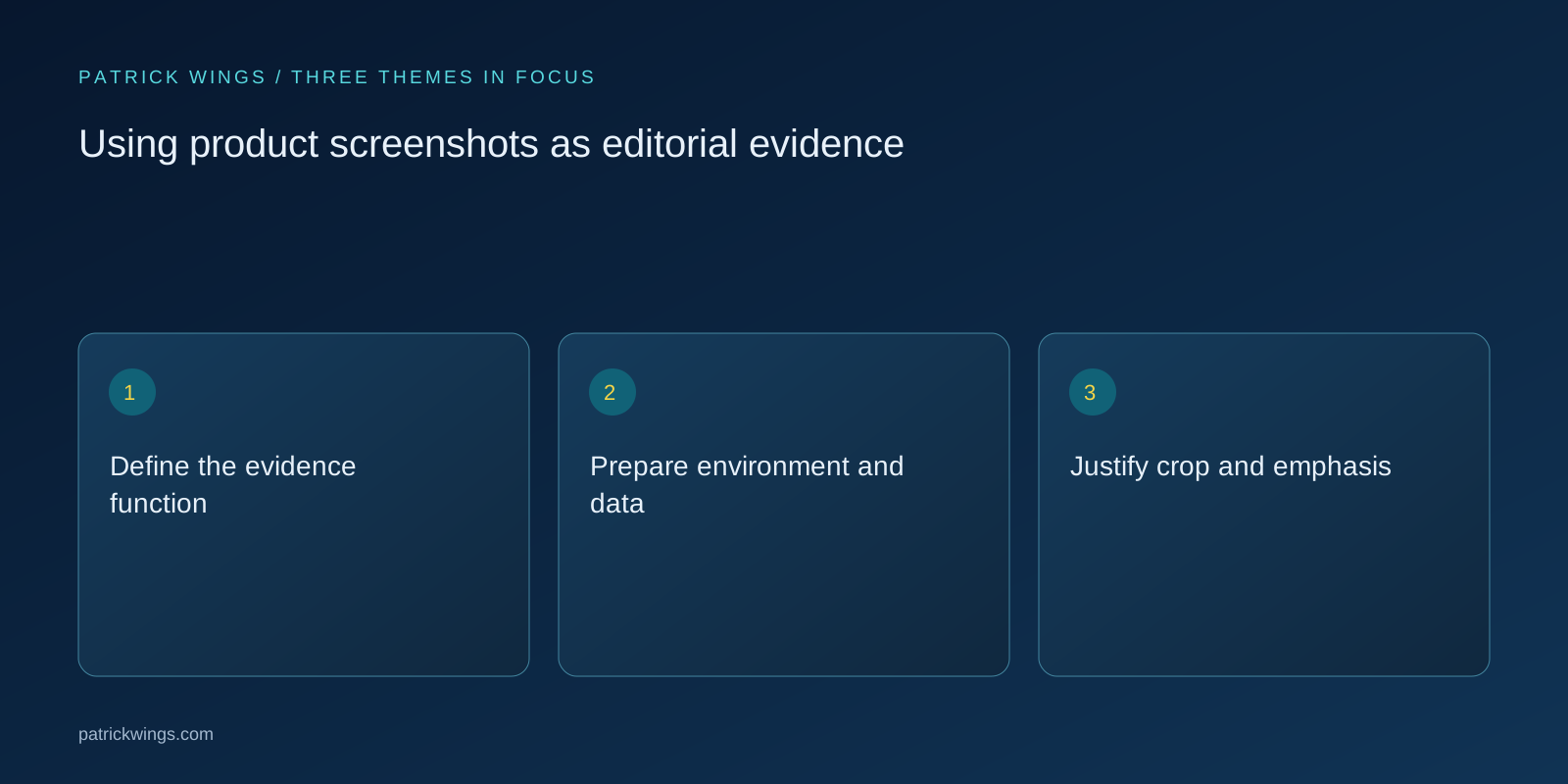
Justify crop and emphasis
Crop to relevance while preserving orientation. An isolated button rarely explains where to find it. Use restrained annotations and define them. Numbers must match instructions, and arrows must not imply a false sequence. Numerous equal highlights scatter attention. Check labels at the eventual display size. If unreadable, split the explanation or add a close-up clearly connected to the overview. Do not simply shrink everything further and expect readers to reconstruct the context from a detailed image that was legible only on the editor's large working screen.
Illustrate a hypothetical instruction
Suppose a fictional application requires a target schema before export. The article explains the necessary permission, then shows the open dialog with the relevant field marked. Its caption identifies the selection as an example rather than a universal recommendation. Another image shows the checked status. This hypothetical scenario establishes no real feature. It demonstrates how a screenshot supports a specific instruction and why example state, prerequisite and expected outcome need separate descriptions before readers can apply the sequence responsibly in their own environment.

Make information available in text
Explain the essential action in body copy and provide an appropriate text alternative. W3C bases alternatives on information purpose; the relevant statement matters more than describing every visible pixel. Longer procedures belong in written instructions. A caption can add product state and limitations. Use labels matching the actual interface. Check localized versions where names differ. Automatically translating a control can send users searching for wording absent from the product. Text and image should therefore be reviewed together rather than approved as unrelated editorial and design deliverables. Explore this further in the guide Writing purpose-driven alt text for B2B visuals.
Detect obsolescence deliberately
Maintain a simple mapping from screenshot to article, product state and owner. When the interface changes, check whether appearance alone or the procedure also changed. Replace older images according to substantive relevance. Before release, test image size, numbering and links. Approve an image when it correctly supports its intended claim, sensitive content has been checked and the surrounding text explains the action. This makes visual evidence maintainable and helps later editors decide whether an update requires a new capture, revised instructions or both rather than guessing from the image's age. Explore this further in the guide Reviewing marketing claims with evidence and explicit limits.
INTERACTIVE / FROM READING TO ACTION
Three checkpoints for your implementation
Choose a checkpoint and track your reading progress. Checks are neither saved nor sent and do not score your business.
CHECKPOINT 01
Justify crop and emphasis
Crop to relevance while preserving orientation.
Explore in the article ↗CHECKPOINT 02
Illustrate a hypothetical instruction
Suppose a fictional application requires a target schema before export.
Explore in the article ↗CHECKPOINT 03
Make information available in text
Explain the essential action in body copy and provide an appropriate text alternative.
Explore in the article ↗Frequently asked questions
Can screenshots be cropped?
Yes, provided relevant context remains and the crop does not mislead.
Should real customer data be used?
Use suitable approved example data and inspect all visible content before publication.
When should an image be replaced?
When it no longer accurately represents an important action, label or product property.
How can I put “Define the evidence function” into practice?
Write down the sentence the screenshot supports. Does it show an available setting, an output or the location of a control? An interface cannot automatically establish the reliability of an entire process.
What matters when working on “Prepare environment and data”?
Use an appropriate test environment with approved sample data. Inspect names, identifiers, notifications, addresses and open tabs. Sensitive information may appear at the edges or in tooltips.