
THE SHORT ANSWER
A webinar recording becomes useful when viewers can find and apply a specific answer. Give it a separate introduction, recognizable chapters and a task to complete afterwards. Treat publication as an editorial product with a different context from the live event: people arrive later, skip between topics and cannot ask the moderator to clarify a missing step.
To see how this step fits into your content strategy, read the pillar guide B2B content marketing: From useful expertise to qualified demand.
Choose the viewing task
Start by asking why someone would open the recording today. Are they evaluating an approach, preparing a workshop or learning a feature? Select one main task and describe it on the resource page. A title such as “Preparing a data migration” needs different chapters from an event recap. State the background knowledge and prerequisites as well. This lets visitors judge suitability before committing their attention, rather than discovering halfway through that the demonstration assumes a different environment.
Review the recording editorially
Label passages as explanation, example, audience question or event administration. Remove waiting time, expired event announcements and technical interruptions where the argument still makes sense. If a chat question matters, make sure the edited recording includes an understandable version of it. Editing for pace alone can remove a qualification that changes the meaning. Record significant cuts and have the relevant expert review shortened claims, especially where an answer depends on a condition mentioned elsewhere in the original session. Explore this further in the guide Writing answer sections that stand on their own.
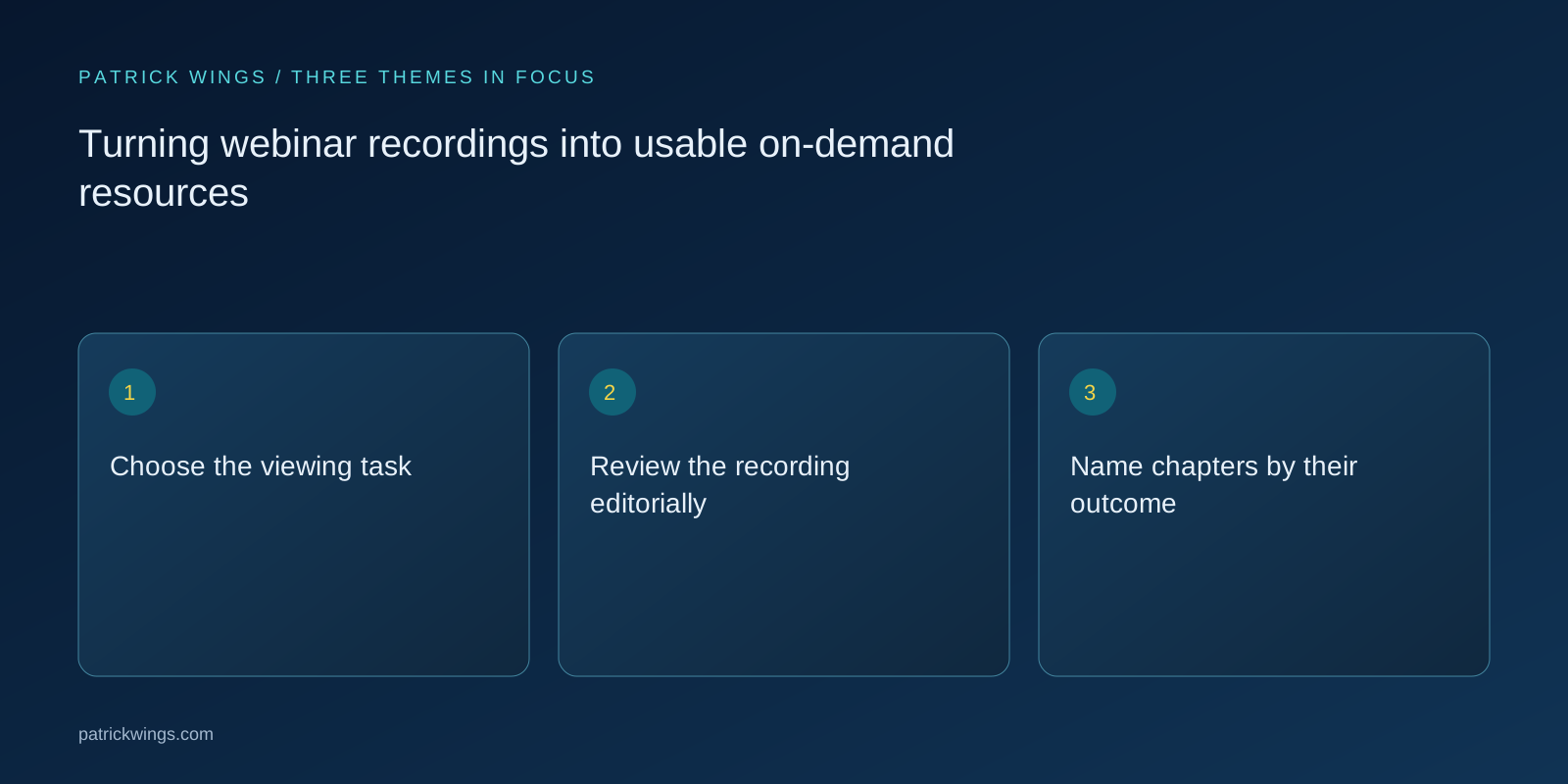
Name chapters by their outcome
Give chapters titles that answer a question or identify a working step. “Check prerequisites” helps more than “Part two.” Point to useful moments in the page description and explain which chapters depend on earlier material. If a demonstration assumes that a dataset has already been prepared, say so near the chapter link. Include a brief written overview for people deciding whether to watch the full recording, and identify any supporting files they should obtain before starting the practical exercise. Explore this further in the guide Designing expert webinars around a useful learning outcome.
Provide alternative ways in
Plan captions and a checked transcript; W3C identifies these as important routes into audiovisual material. Review technical terms, numbers and negative statements particularly carefully because automated transcription can change their meaning. Describe essential screen actions in writing as well. The transcript should explain what “here” or “this setting” refers to. Place supporting worksheets beside the player in a usable format and explain which file supports which step, rather than presenting an unexplained collection of download links below the video.

Work through a hypothetical example
Suppose you recorded a webinar about responsibilities during a software rollout. The new introduction promises a specific output: an initial responsibility matrix. Chapters cover role definition, approvals and escalation. A blank matrix with one completed sample row sits beside the player. The long company introduction is removed. A live question about external contractors remains because it illustrates a meaningful exception. This is an illustrative editing scenario, not a report of measured performance or a claim about results achieved by a client.
Offer the appropriate next action
After practical instruction, a worksheet may help more than an immediate sales conversation. After a comparison of approaches, a deeper evaluation resource might fit. Explain whether a click opens a file, requires registration or begins a booking process. Check that the promised material remains available. An otherwise valuable recording becomes frustrating when essential references lead nowhere or the resource it promises appears only after another registration that the original page never mentioned to the visitor before they started watching.
Assign review and maintenance
Test the published page with someone who missed the live session. Can they find a named problem, open the relevant passage and complete the task? Record misunderstandings and fix missing prerequisites first. Give someone responsibility for review and define a trigger, such as a product change. The original event date can remain visible. What matters is explaining whether the procedure is still current, identifying limitations in the demonstration and correcting instructions that no longer match the environment a viewer would encounter today.
INTERACTIVE / FROM READING TO ACTION
Three checkpoints for your implementation
Choose a checkpoint and track your reading progress. Checks are neither saved nor sent and do not score your business.
CHECKPOINT 01
Name chapters by their outcome
Give chapters titles that answer a question or identify a working step.
Explore in the article ↗CHECKPOINT 02
Provide alternative ways in
Plan captions and a checked transcript; W3C identifies these as important routes into audiovisual material.
Explore in the article ↗CHECKPOINT 03
Work through a hypothetical example
Suppose you recorded a webinar about responsibilities during a software rollout.
Explore in the article ↗Frequently asked questions
Must the entire webinar remain?
No. Remove event administration where the explanation and necessary qualifications remain intact.
Are automatic captions sufficient?
Use them as a starting point and review technical terms, numbers and statements before publication.
Should the recording require a form?
Choose according to your access policy and make the requirement clear before viewing begins.
How can I put “Choose the viewing task” into practice?
Start by asking why someone would open the recording today. Are they evaluating an approach, preparing a workshop or learning a feature? Select one main task and describe it on the resource page.
What matters when working on “Review the recording editorially”?
Label passages as explanation, example, audience question or event administration. Remove waiting time, expired event announcements and technical interruptions where the argument still makes sense. If a chat question matters, make sure the edited recording includes an understandable version of it.