
THE SHORT ANSWER
A useful visual reveals a relationship that would be cumbersome to explain in prose. For SaaS and IT businesses, that might be a workflow, a system boundary or the difference between approaches. Design therefore begins with what a viewer should understand afterwards. Decoration alone cannot do that job.
To see how this step fits into your content strategy, read the pillar guide B2B content marketing: From useful expertise to qualified demand.
1. Write a clear, testable central message
Before opening a design tool, express the message in one sentence. “Our product is innovative” does not suggest a useful visual structure. “Approvals currently cross three teams; this workflow defines one accountable handover point” describes a relationship. Gather the information supporting that message. Ask a subject expert which dependencies are essential and which details belong on a supporting page rather than in the picture itself. Explore this further in the guide Writing B2B case studies: Show evidence, decisions and limitations.
Give the visual one central task. A graphic trying to explain the market problem, product architecture, buying arguments and implementation plan simultaneously can create more work for viewers than understanding. A series of independent visuals will often communicate those different ideas more effectively.
2. Match the structure to the relationship
A flow diagram shows sequence and handovers. A matrix compares options against explicit criteria. A before-and-after image can explain a genuine workflow change, provided it does not imply unverified results. An architecture overview clarifies system roles and interfaces. Numerical relationships need an appropriate scale and a traceable data source. An attractive icon cannot substitute for either of those requirements.
Illustrative example: an API platform could show the path of a request from the client through authentication to an application. Mark which responsibilities the platform handles and which remain with the customer. This explains scope and ownership without implying that every surrounding task becomes automatically managed by the product.
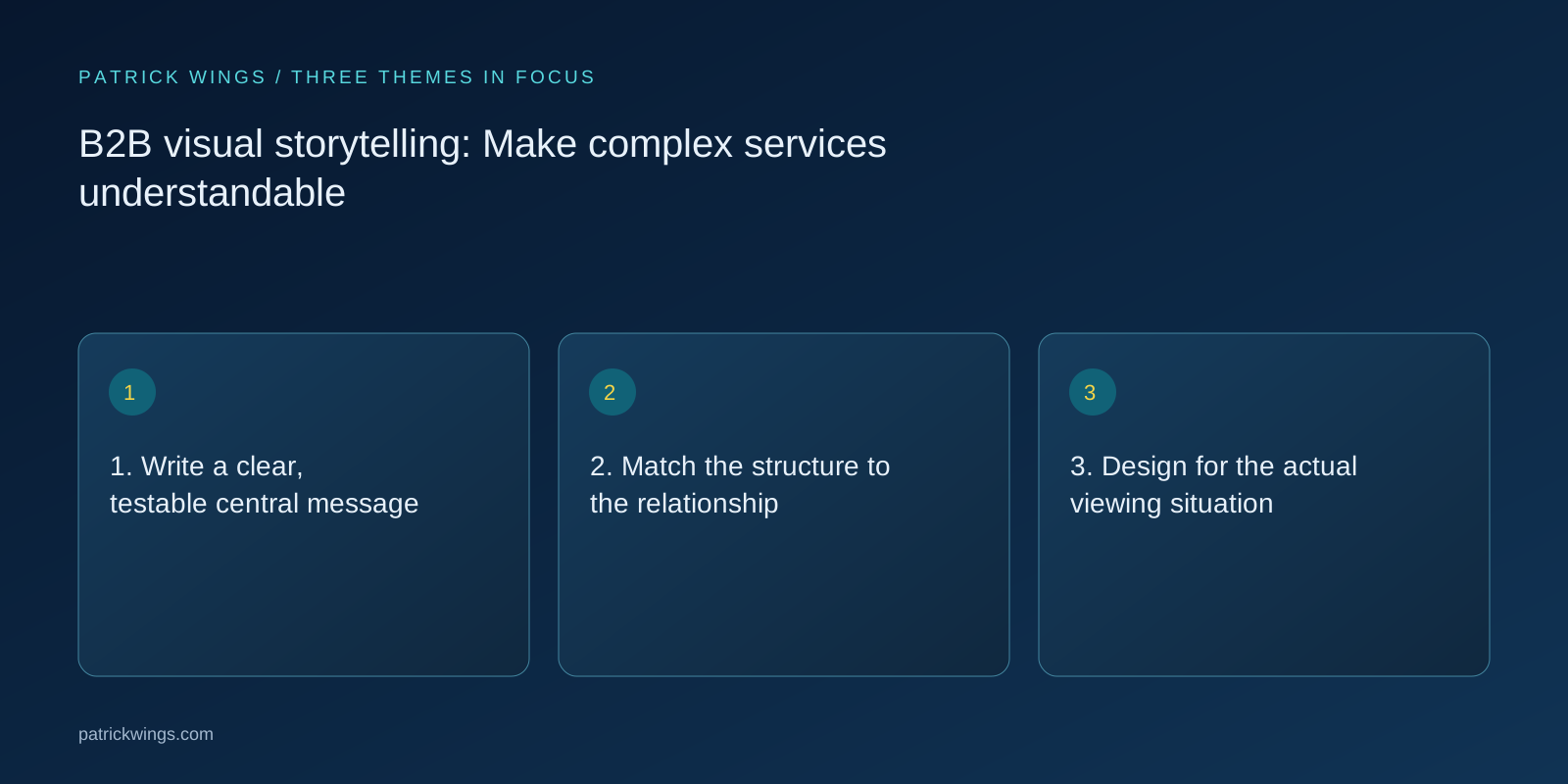
3. Design for the actual viewing situation
A whitepaper visual can accommodate more detail than an image viewed in a LinkedIn feed on a phone. Choose the channel and dimensions first. Review the draft at its real display size. If viewers need to zoom in to read labels, the mobile version needs fewer details or a different arrangement. Exporting the same file at another size does not necessarily make it suitable for another context. Explore this further in the guide Lead magnet or whitepaper: Choosing the right B2B resource.
Use consistent terminology, a clear reading direction and sufficient contrast. Explain important image content in the surrounding text as well. Useful alternative text communicates the essential point in context; a complex diagram may also need a longer nearby explanation. The knowledge should remain available to people who cannot interpret the visual presentation.
4. Review accuracy and brand expression together
Bring subject review into the process before everyone becomes attached to an attractive but inaccurate concept. Are the sequence, categories and responsibilities correct? Are scenarios labelled as examples? Is the product screenshot current? Are customer logos and interface screenshots approved for public use? Keep a record of approval, particularly when an asset will be reused across campaigns and several people may later edit it.
Brand consistency comes from recognisable typography, colour and imagery, and from dependable statements. Avoid invented dashboards that appear to contain real customer results. When simplifying an interface for explanation, call it a schematic illustration. Readers should be able to distinguish design choices from verified product behaviour and customer evidence.

5. Build a reusable visual system
Store editable source files, approved copy, evidence and the current version together. Identify components that can be adapted for other formats. A process diagram might support a blog explanation, a presentation slide and a LinkedIn post. Every version still needs its own framing and enough context to work outside the original document. Reuse should reduce production effort without removing the explanation that made the original useful.
Evaluate performance against the intended job. Better understanding in a customer conversation is a relevant signal for a process illustration; a campaign asset also needs relevant clicks and subsequent engagement. Test different messages deliberately. Adding more visual detail is not an improvement if the important information becomes harder for prospective customers to recognise and use.
INTERACTIVE / FROM READING TO ACTION
Three checkpoints for your implementation
Choose a checkpoint and track your reading progress. Checks are neither saved nor sent and do not score your business.
CHECKPOINT 01
3. Design for the actual viewing situation
A whitepaper visual can accommodate more detail than an image viewed in a LinkedIn feed on a phone.
Explore in the article ↗CHECKPOINT 02
4. Review accuracy and brand expression together
Bring subject review into the process before everyone becomes attached to an attractive but inaccurate concept.
Explore in the article ↗CHECKPOINT 03
5. Build a reusable visual system
Store editable source files, approved copy, evidence and the current version together.
Explore in the article ↗Frequently asked questions
When should a visual replace prose?
When it makes a relationship, workflow or comparison easier to understand. Detailed qualifications still need supporting text.
Does every image need alternative text?
Informative images need an accessible text alternative. Decorative images are handled differently; complex graphics often require additional explanation.
Can one visual work in every channel?
The central idea can remain, but labels, information density and framing should suit the website, phone screen or presentation.
How can I put “1. Write a clear, testable central message” into practice?
Before opening a design tool, express the message in one sentence. “Our product is innovative” does not suggest a useful visual structure. “Approvals currently cross three teams; this workflow defines one accountable handover point” describes a relationship.
What matters when working on “2. Match the structure to the relationship”?
A flow diagram shows sequence and handovers. A matrix compares options against explicit criteria. A before-and-after image can explain a genuine workflow change, provided it does not imply unverified results.