

THE SHORT ANSWER
A form hands someone from interest into a specific service or experience. A demo request creates expectations about a useful conversation and a suitable time. A signup creates expectations about product access. Separating these tasks helps you design fields, explanations and confirmations more deliberately. The appropriate form length depends on the process rather than a universal rule.
To see how this step fits into your content strategy, read the pillar guide B2B content marketing: From useful expertise to qualified demand.
1. Explain the offer immediately before the form
Answer the practical questions: what will the person receive, who is it for, and what happens after submission? For a demo, a short outline of the topic, contact person and preparation can help. For signup, explain whether access is immediate, whether approval is required and what the next steps involve. These details allow someone to choose knowingly rather than guess from a generic button. Explore this further in the guide B2B conversion optimisation: Understand the problem before testing.
Avoid “Start now” when the form merely sends a callback request. Clear expectations reduce disappointment on both sides. If the offer lacks essential information, the main barrier may be uncertainty about the experience rather than the number of fields. Test that explanation before shortening the interface and assuming the underlying problem has been solved.
2. Give every field an operational purpose
For each required field, ask who uses the information immediately afterwards and for what purpose. An email address may be necessary for confirmation or account access. A detailed annual-budget field is harder to justify for an initial resource request. If the information only becomes useful during a later discussion, consider collecting it at that later point instead of creating unnecessary friction now.
For consultative offers, one short context question can improve routing. Phrase it understandably and allow suitable answers. Illustrative example: “Which task would you like to discuss?” gives a prospect more room than a rigid list of internal service packages. Whether the question should be mandatory depends on the real handover process, not on a general preference for collecting more data.
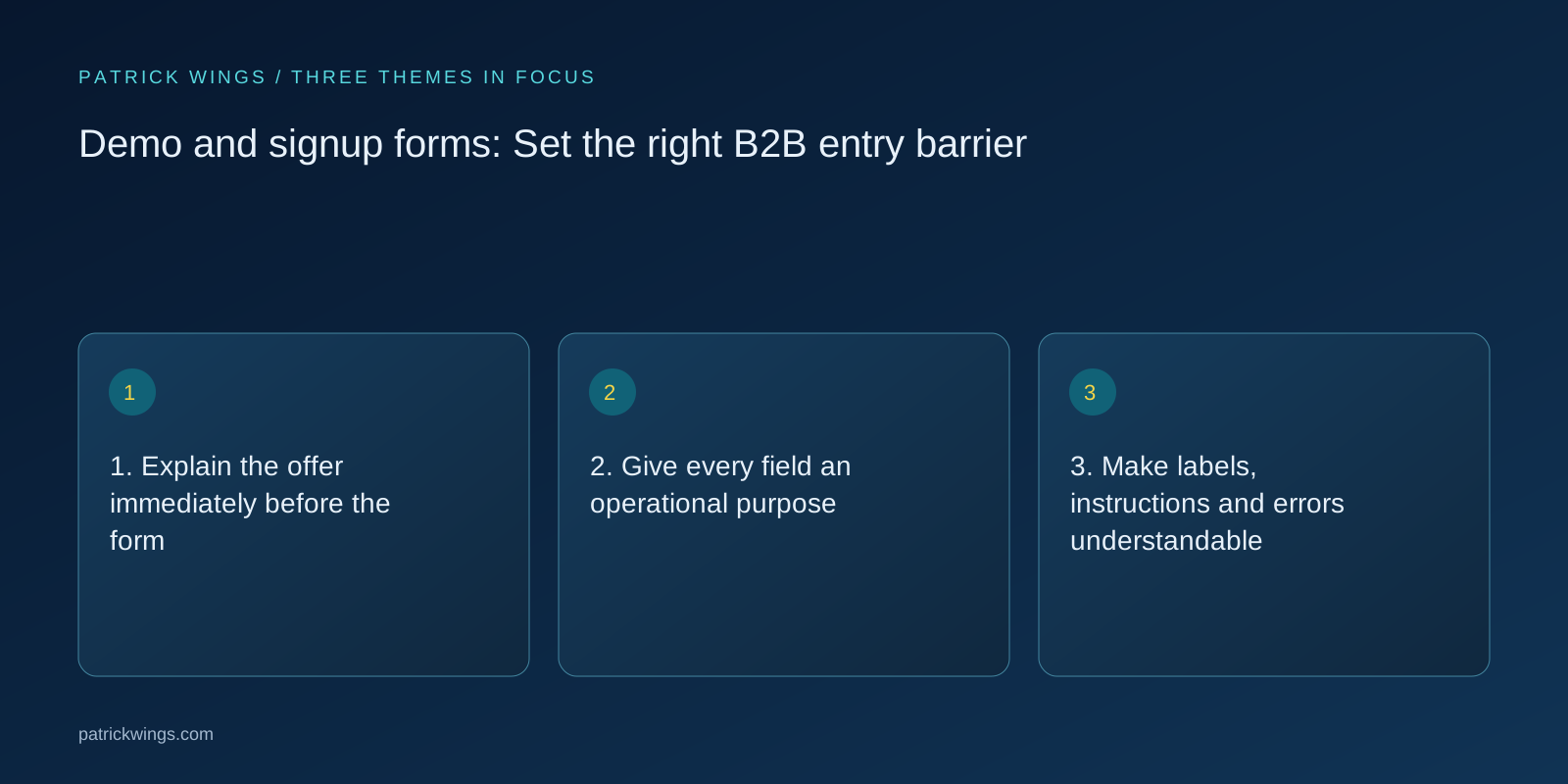
3. Make labels, instructions and errors understandable
Every input needs a clear label technically associated with the control. Placeholder text alone is unreliable because it disappears during entry. W3C identifies labels and understandable instructions as important parts of accessible forms. Indicate required fields clearly and explain unusual format requirements before someone encounters an error. This also makes the interface easier to inspect and maintain when the form later changes.
Error messages should identify the specific problem and a route to correction. “Invalid entry” gives little help if a particular date format is expected. Test keyboard use and small screens. A visually refined form can still be difficult to complete when focus, labels or feedback are unclear, so review interaction behaviour as well as appearance.
4. Plan confirmation and internal handover together
After successful submission, provide unambiguous confirmation. Repeat the next step and give an alternative route if a message does not arrive. A thank-you page can link to a relevant preparation article. It should not introduce an unexpected compulsory task that was absent from the original offer or leave the user wondering whether the form actually worked.
Internally, establish ownership, required context and an appropriate response process. Test the complete path using realistic test data: does the record arrive, is it assigned correctly, and does the notification include useful information? An improved interface has limited value if enquiries subsequently enter the wrong inbox or nobody takes responsibility for the next action.

5. Measure the journey beyond submission
Observe starts, errors, successful sends and the quality of the subsequent interaction. Separate internal tests and obvious spam where the data allows this reliably. Compare mobile use and other important contexts. An isolated abandonment does not establish whether a required field, a technical fault or missing information caused the person to leave without finishing the process.
When evaluating a change, consider completed forms and contact fit together. An additional field may support useful preparation in one situation and create avoidable friction in another. Record the hypothesis and review feedback from actual conversations. The objective is a dependable, understandable entry into an appropriate next step, not simply a larger counter on a dashboard. Explore this further in the guide SaaS websites: Write a value proposition buyers can understand.
INTERACTIVE / FROM READING TO ACTION
Three checkpoints for your implementation
Choose a checkpoint and track your reading progress. Checks are neither saved nor sent and do not score your business.
CHECKPOINT 01
3. Make labels, instructions and errors understandable
Every input needs a clear label technically associated with the control.
Explore in the article ↗CHECKPOINT 02
4. Plan confirmation and internal handover together
After successful submission, provide unambiguous confirmation.
Explore in the article ↗CHECKPOINT 03
5. Measure the journey beyond submission
Observe starts, errors, successful sends and the quality of the subsequent interaction.
Explore in the article ↗Frequently asked questions
How many fields are ideal?
There is no universal ideal number. Collect the information genuinely needed for the next step you have promised.
Is placeholder text enough as a label?
No. A persistent, understandable label supports usability and accessibility and should be technically associated with the field.
Should a demo form book a meeting immediately?
It can, if your process supports it reliably. Explain whether submission books a meeting or first creates a request for review.
How can I put “1. Explain the offer immediately before the form” into practice?
Answer the practical questions: what will the person receive, who is it for, and what happens after submission? For a demo, a short outline of the topic, contact person and preparation can help. For signup, explain whether access is immediate, whether approval is required and what the next steps involve.
What matters when working on “2. Give every field an operational purpose”?
For each required field, ask who uses the information immediately afterwards and for what purpose. An email address may be necessary for confirmation or account access. A detailed annual-budget field is harder to justify for an initial resource request.