

THE SHORT ANSWER
A resource page should explain who a download serves, which task it supports and how it becomes useful in practice. Show a meaningful preview and disclose conditions such as registration or file format. Readers need a basis for choosing. Copy promising only “valuable insights” leaves suitability, effort and practical value unclear before they commit to obtaining the resource.
To see how this step fits into your content strategy, read the pillar guide B2B content marketing: From useful expertise to qualified demand.
Answer suitability directly
Open with the task the resource supports. Describe audience and required background concretely. A worksheet for a selected solution is different from an initial market overview. State boundaries: what remains unanswered and which checks are still required? A direct introduction prevents visitors searching for the actual offer. Extensive company information may support trust later but cannot replace an explanation of whether the material fits the reader's question and current stage of work before they decide to provide details or obtain the file.
Demonstrate content through a preview
Use a relevant extract, contents overview or sample working page. Show the type of help rather than confidential information, and explain the extract. A decorative cover alone provides little evidence of practical value. Preserve hypothetical labels in preview examples. Check readability and provide textual explanation of important visual information. Visitors should be able to assess substance without inferring depth from attractive design. Choose a representative section rather than the most dramatic isolated sentence, so the preview does not create expectations the complete resource fails to satisfy.
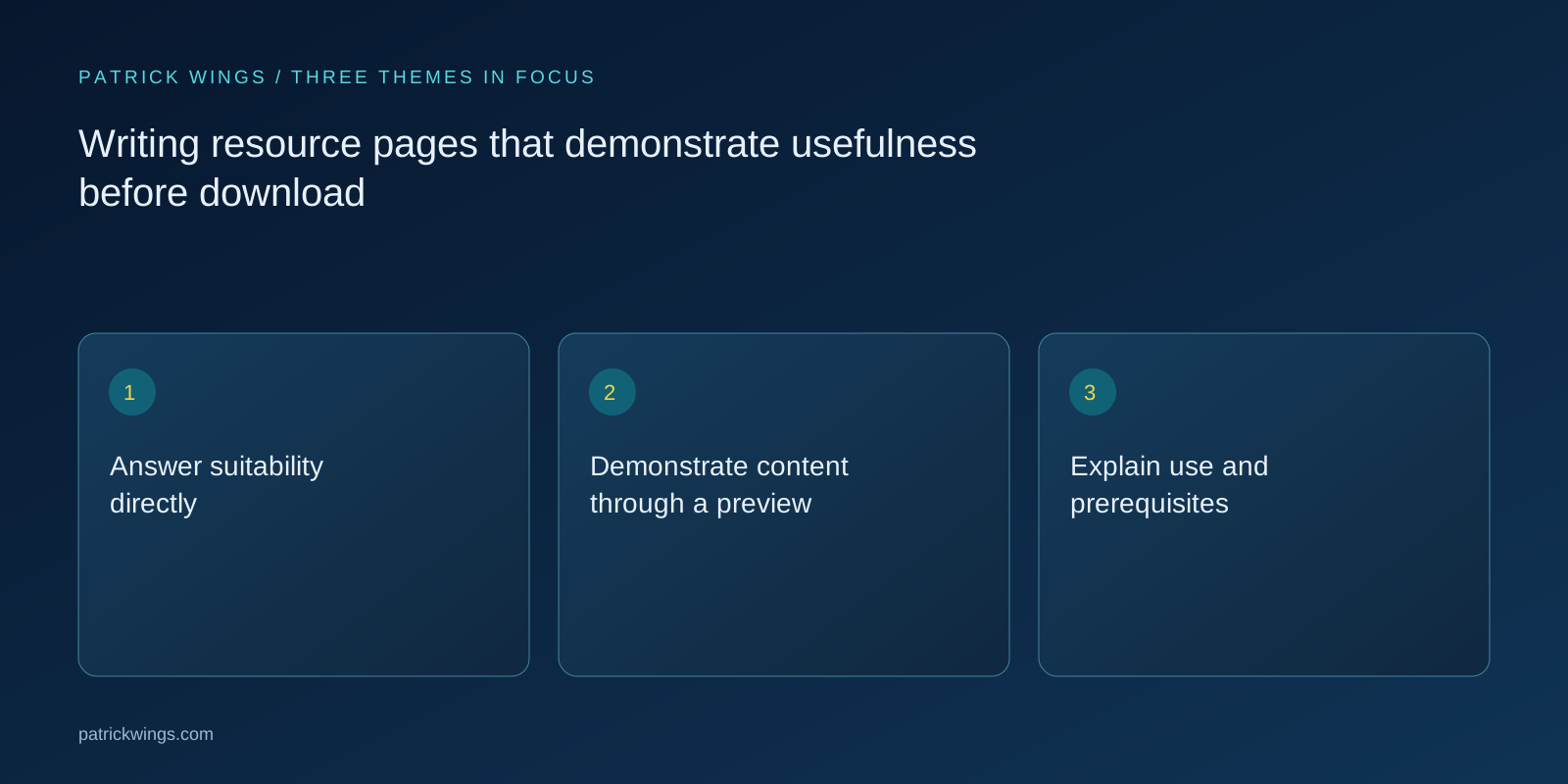
Explain use and prerequisites
Describe whether people work alone, with a team or using particular records. Name necessary inputs and the likely working output. If value depends on additional research, say so. Avoid promising that one download resolves a complex problem. Include format, language and technical prerequisites where relevant. Distinguish versions clearly. Before clicking, visitors should understand which file they receive and whether it can be used or edited in their actual environment, rather than discovering later that the promised worksheet is a static illustration or requires software unavailable to them. Explore this further in the guide B2B workbooks that turn information into decisions.
Build a hypothetical resource page
Suppose you offer a pilot-project preparation template. The page promises a first outline of hypothesis, test cases and responsibilities. Its preview shows one completed sample row and an unfinished section. Copy explains that technical and professional approvals remain separate. This hypothetical example claims no guaranteed success or customer result. It makes value inspectable: visitors see the structure, understand their own contribution and decide whether the template fits their stage before providing contact details or downloading a file that would otherwise reveal its purpose only after access.

Make access and follow-up clear
Before the action, state whether the file opens directly, arrives by email or needs registration. Explain any additional communication and coordinate it with responsible roles. Label buttons according to what actually happens. Submission needs a dependable confirmation and access to the promised material. Test errors and lost-message scenarios. The resource page's responsibility extends beyond the form to the transition where readers receive the content and begin their task. An attractive introduction cannot compensate for a missing file or a delivery process that leaves people unsure whether their request succeeded. Explore this further in the guide Writing B2B calls to action with clear consequences.
Check promises against delivery
Compare the page with the actual file: do title, language, format and scope agree? Can someone outside the project find the advertised value in the resource? Correct exaggerated previews and missing explanations. Separate questions about suitability from access problems. Download volume alone cannot establish that the material fulfilled its promised task. Name owners for file and page so updates happen together. This keeps description, preview and delivery consistent when versions, examples or access conditions change, preventing an accurate resource from being undermined by a landing page still describing an earlier and materially different offer.
INTERACTIVE / FROM READING TO ACTION
Three checkpoints for your implementation
Choose a checkpoint and track your reading progress. Checks are neither saved nor sent and do not score your business.
CHECKPOINT 01
Explain use and prerequisites
Describe whether people work alone, with a team or using particular records.
Explore in the article ↗CHECKPOINT 02
Build a hypothetical resource page
Suppose you offer a pilot-project preparation template.
Explore in the article ↗CHECKPOINT 03
Make access and follow-up clear
Before the action, state whether the file opens directly, arrives by email or needs registration.
Explore in the article ↗Frequently asked questions
Does every resource need a form?
No. Choose access deliberately and explain conditions before the action.
What makes a useful preview?
A representative extract showing method or depth with an accessible explanation.
Should the page promise time savings?
Only with defensible evidence and conditions; otherwise describe the supported task concretely.
How can I put “Answer suitability directly” into practice?
Open with the task the resource supports. Describe audience and required background concretely. A worksheet for a selected solution is different from an initial market overview.
What matters when working on “Demonstrate content through a preview”?
Use a relevant extract, contents overview or sample working page. Show the type of help rather than confidential information, and explain the extract. A decorative cover alone provides little evidence of practical value.