

THE SHORT ANSWER
A useful demo page helps buyers decide whether a conversation fits their current task. It explains the purpose, agenda, participants and preparation before someone submits contact details. For SaaS and IT services, this distinction matters: a product tour, technical consultation and custom scoping session are different meetings. This guide focuses on aligning the words on the page with the conversation your team can actually deliver.
To see how this step fits into your content strategy, read the pillar guide B2B content marketing: From useful expertise to qualified demand.
Define the actual meeting
Agree with sales on the conversation behind the form. Will the team show an existing product, discuss a use case or first assess suitability? Name that format on the page. If the request starts a scheduling exchange, the button should not promise an immediately confirmed booking. Where several meeting formats exist, each needs a recognizable purpose. A buyer with a specific integration question needs different expectations from someone encountering the product for the first time. Resolve these differences before polishing the page headline or commissioning a new visual treatment.
Build the agenda around buyer questions
Start with questions the buyer needs to resolve: which task can the product support, what prerequisites apply and what can the meeting clarify? Describe a small agenda that your team can realistically cover. Listing every feature makes the purpose harder to understand. Explain important exclusions, such as a formal security assessment or a complete implementation design. Buyers can then invite suitable colleagues and decide whether any preparation is useful. Treat the agenda as a practical commitment that presenters recognize, rather than a promotional list detached from the meeting. Explore this further in the guide Writing resource pages that demonstrate usefulness before download.
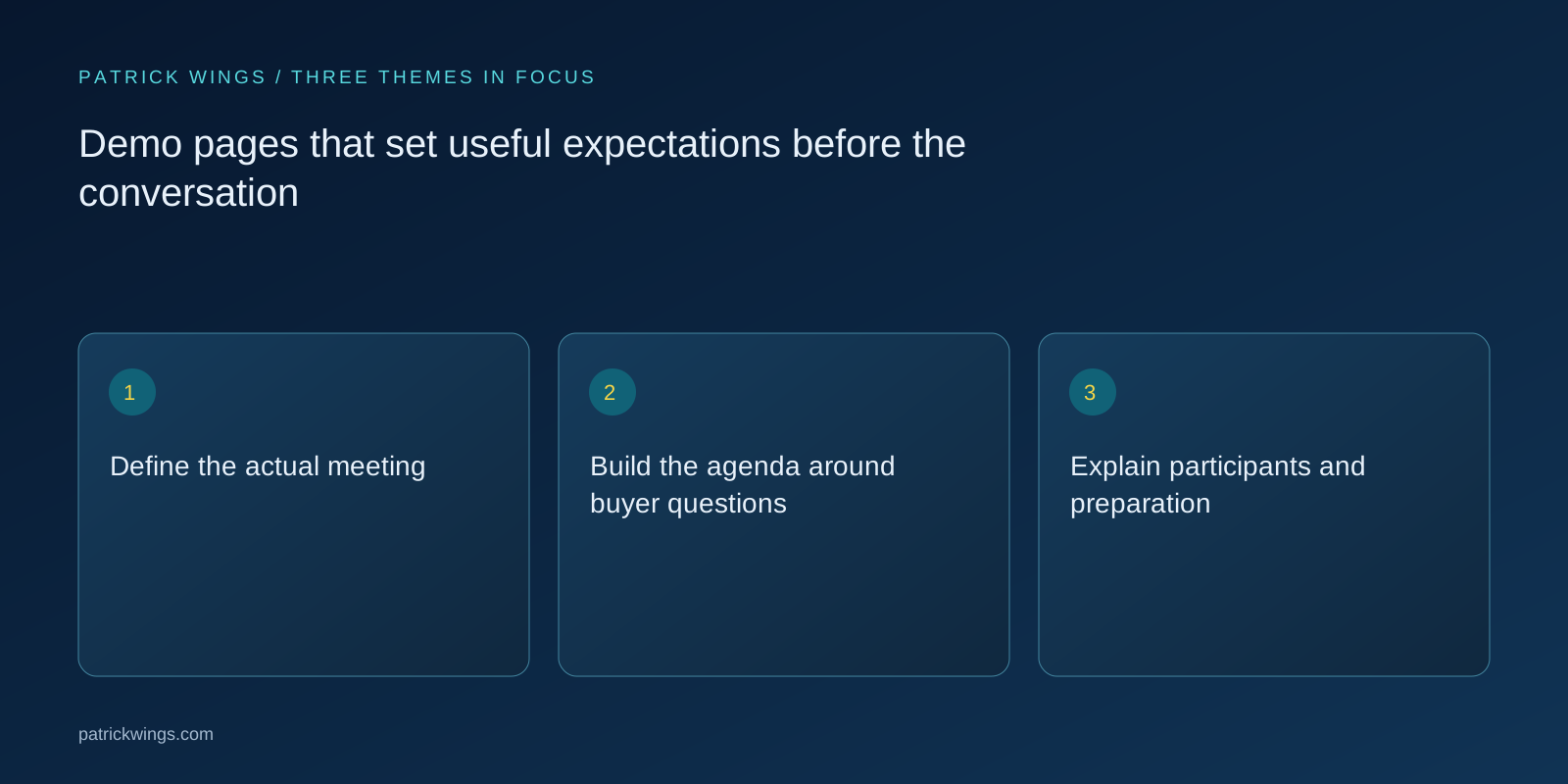
Explain participants and preparation
Say which role the buyer will meet and whether technical questions can be answered directly or will need a follow-up. Name individual presenters only when that assignment is dependable. Separate optional preparation from genuinely required information. A brief description of the main use case may help; demanding a comprehensive requirements document before an introductory conversation adds substantial work. Provide a contact route for alternative formats or advance materials where available. Each support promise needs an owner who can arrange it, including when the usual presenter is unavailable.
Review the form as part of the promise
Every required field should have a defensible purpose for the next step. If company size helps assign the right specialist, a short explanation near that question may help. Avoid collecting details that change no preparation decision and will simply be requested again in the call. Write errors that explain how to recover. Check the form on mobile, with a keyboard and with relevant assistive technology. Content work includes labels, supporting notes, errors and confirmation messages. A clear introduction cannot compensate for a contradictory request process or unclear submission outcome.

A hypothetical SaaS example
Imagine a resource-planning vendor whose introductory demo shows the planning of one team. Its page could explain that participants will discuss a typical planning problem and then see that scenario in the product. It should not promise a complete data migration or a binding project estimate when those require later assessment. Optional preparation might be an anonymized description of the bottleneck. After submission, the visitor receives an explanation of how scheduling works. This is a hypothetical example of a consistent expectation chain, not a claim about measured conversion improvements.
Align confirmation and delivery
Ask someone to follow the complete path from page visit to the meeting itself. Do the promised scope, confirmation email, calendar invitation and opening conversation agree? If your team replies manually, say so in the confirmation. Include response-time commitments only when operations can support them. Make rescheduling and time-zone information understandable. Questions such as “Is this already booked?” or “What should I prepare?” are specific evidence of missing information. Feed them into the next editorial review instead of treating them solely as matters for customer-facing colleagues to explain repeatedly. Explore this further in the guide Service pages that make scope and collaboration concrete.
Evaluate useful outcomes
Look beyond submitted forms to relevant requests, recurring misunderstandings and feedback from the meetings. Fewer requests can be acceptable if the previous page created unsuitable expectations, but that interpretation needs conversation evidence. A task-based usability session can reveal whether prospective buyers understand the purpose and next step. It does not establish a commercial uplift by itself. Record text revisions alongside changes to the offer and scheduling process so later observations are not attributed to a headline alone. Use the combined evidence to decide whether clearer wording, a different meeting format or operational changes are needed.
INTERACTIVE / FROM READING TO ACTION
Three checkpoints for your implementation
Choose a checkpoint and track your reading progress. Checks are neither saved nor sent and do not score your business.
CHECKPOINT 01
Explain participants and preparation
Say which role the buyer will meet and whether technical questions can be answered directly or will need a follow-up.
Explore in the article ↗CHECKPOINT 02
Review the form as part of the promise
Every required field should have a defensible purpose for the next step.
Explore in the article ↗CHECKPOINT 03
A hypothetical SaaS example
Imagine a resource-planning vendor whose introductory demo shows the planning of one team.
Explore in the article ↗Frequently asked questions
What belongs on a B2B demo page?
The purpose, realistic agenda, meeting format, relevant participants, preparation and a clear explanation of the next step.
Should the page state a duration?
Yes, when the team can reliably support it. Explain whether it is an approximate duration or a fixed meeting slot.
Is a higher form conversion rate always better?
No. Also examine whether requests and expectations fit the conversation your team actually offers.
How can I put “Define the actual meeting” into practice?
Agree with sales on the conversation behind the form. Will the team show an existing product, discuss a use case or first assess suitability? Name that format on the page.
What matters when working on “Build the agenda around buyer questions”?
Start with questions the buyer needs to resolve: which task can the product support, what prerequisites apply and what can the meeting clarify? Describe a small agenda that your team can realistically cover. Listing every feature makes the purpose harder to understand.