
THE SHORT ANSWER
A content hub helps readers move from a question to the appropriate depth. It needs understandable entry points, meaningful groups and recognizable next steps. Plan around audience tasks rather than publication date alone. A useful hub helps people find the right resource and understand why it fits the problem they are trying to address at that moment.
To see how this step fits into your content strategy, read the pillar guide B2B content marketing: From useful expertise to qualified demand.
Connect tasks and inventory
Inventory resources by main question, audience and depth. Gather typical tasks from conversations and previous questions. Compare them: which tasks are covered, duplicated or missing? A hub does not require a vast collection, but it needs clear selection logic. Identify missing transitions from basic explanation to application. This prevents a redesign that merely moves old categories into new cards and assumes navigation has improved without examining the actual routes readers need to take through the available material to accomplish something useful.
Name entries in reader language
Choose labels understandable without internal knowledge. Tasks such as “Prepare implementation” may help more than abstract campaign terminology. Test names by asking likely readers to assign a question to a group. Overlapping categories need clearer boundaries or another structure. Several entry routes can work if their purposes remain visible. Avoid mixing format, industry, topic and buying stage without explanation, which can make resources appear arbitrarily placed and force visitors to learn your organization's taxonomy before they can find an answer to their own question.
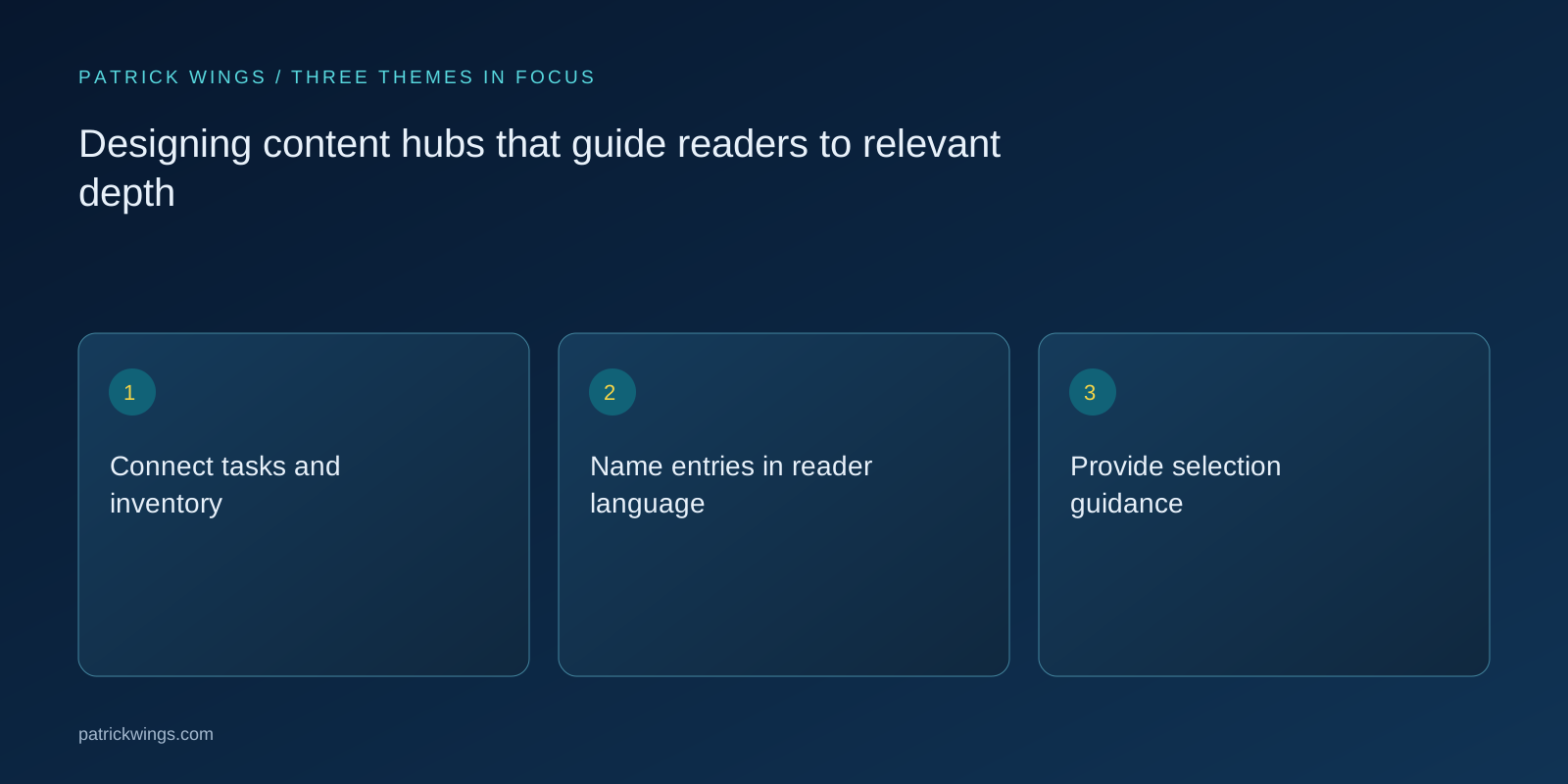
Provide selection guidance
Each preview should identify question, value and required background. Titles alone may not distinguish similar resources. Show format and access conditions too. A worksheet supports a different task from a background article; explain the distinction without generic quality promises. Descriptive links and informative headings support deliberate access. Plan a return route to the overview. The hub should enable a reading path without forcing a rigid order that ignores existing knowledge or the work a visitor already completed elsewhere before arriving at this particular page. Explore this further in the guide Writing resource pages that demonstrate usefulness before download.
Design a hypothetical reading route
Suppose a hub supports software-project preparation. One entry explains problem definition, another offers responsibility guidance and a third provides a worksheet for unresolved checks. Each card states the stage it serves. An experienced project lead can jump to the worksheet while a new participant starts with foundations. This hypothetical example claims no usage improvement. It shows how one collection can support different starting points when prerequisites and outputs are visible and links lead to meaningful next tasks rather than simply more pages sharing similar vocabulary or broad subject matter. Explore this further in the guide Structuring pagination for resource libraries.

Keep depth and currency visible
Identify obsolete resources, replaced procedures and special prerequisites. A prominent card must not lead to an outdated commitment. Assign owners to the overview and its articles. Recheck grouping as new material appears. Otherwise the hub becomes an archive where recent posts bury older but useful guidance. Highlight foundational material according to function and place current additions alongside it. Distinguish maintenance needs too: a stable introductory explanation does not require the same review triggers as a product procedure whose interface and supported conditions can change with each release.
Test real retrieval tasks
Give participants believable questions and observe their entry choices. Ask why they selected a resource and which information was missing. Examine dead ends and unnecessary detours. Click totals alone cannot explain the cause. Revise labels, previews or connections and retest the affected route. Maintain the hub around reader tasks: add resources because they fill a gap or provide a better answer, rather than giving every publication equal prominence automatically. This keeps the collection understandable as it grows and makes editorial decisions defensible when several teams request space for their own materials.
INTERACTIVE / FROM READING TO ACTION
Three checkpoints for your implementation
Choose a checkpoint and track your reading progress. Checks are neither saved nor sent and do not score your business.
CHECKPOINT 01
Provide selection guidance
Each preview should identify question, value and required background.
Explore in the article ↗CHECKPOINT 02
Design a hypothetical reading route
Suppose a hub supports software-project preparation.
Explore in the article ↗CHECKPOINT 03
Keep depth and currency visible
Identify obsolete resources, replaced procedures and special prerequisites.
Explore in the article ↗Frequently asked questions
Does a hub need filters?
Only when the collection and tasks justify them; start with clear groups and previews.
Must readers follow every article in order?
No. Show prerequisites and relevant next steps so different entry points remain possible.
Who maintains the hub?
A named owner coordinates structure and previews with individual content owners.
How can I put “Connect tasks and inventory” into practice?
Inventory resources by main question, audience and depth. Gather typical tasks from conversations and previous questions. Compare them: which tasks are covered, duplicated or missing?
What matters when working on “Name entries in reader language”?
Choose labels understandable without internal knowledge. Tasks such as “Prepare implementation” may help more than abstract campaign terminology. Test names by asking likely readers to assign a question to a group.