
THE SHORT ANSWER
Give each page in a resource-library sequence a stable URL and accessible links to relevant neighbouring pages. Treat pagination as navigation through different content, not as duplicate copies of the first page. Test direct visits and progressive loading together so readers and supported crawlers can reach older resources without relying on scripted interactions.
For the broader picture of technical foundations, useful content and visibility measurement, read the pillar guide SEO, GEO and AEO for SaaS: visibility that supports buying decisions.
Decide how the collection should be browsed
Start with the reader’s task: browsing recent articles, locating a known guide or exploring a topic. Pagination, search and curated topic navigation solve different parts of that task. Define a stable ordering and choose how changes to the collection affect page boundaries. Consider what happens when newly published items push older material into later pages. Record which resources deserve contextual links from topic hubs as well as archive discovery. An archive should support the broader information architecture rather than carry all discovery responsibility by itself.
Provide independently addressable sequence pages
Give subsequent pages distinct URLs that return their own relevant item sets on a fresh request. Use ordinary anchor links with valid href destinations for navigation. A load-more control can enhance the interface, but it should not be the only route to additional items where search discovery matters. Check that direct navigation to a later page does not return the first page’s content or require an interaction to initialise. Keep filters and ordering understandable so the same address consistently describes the selection a visitor expects.
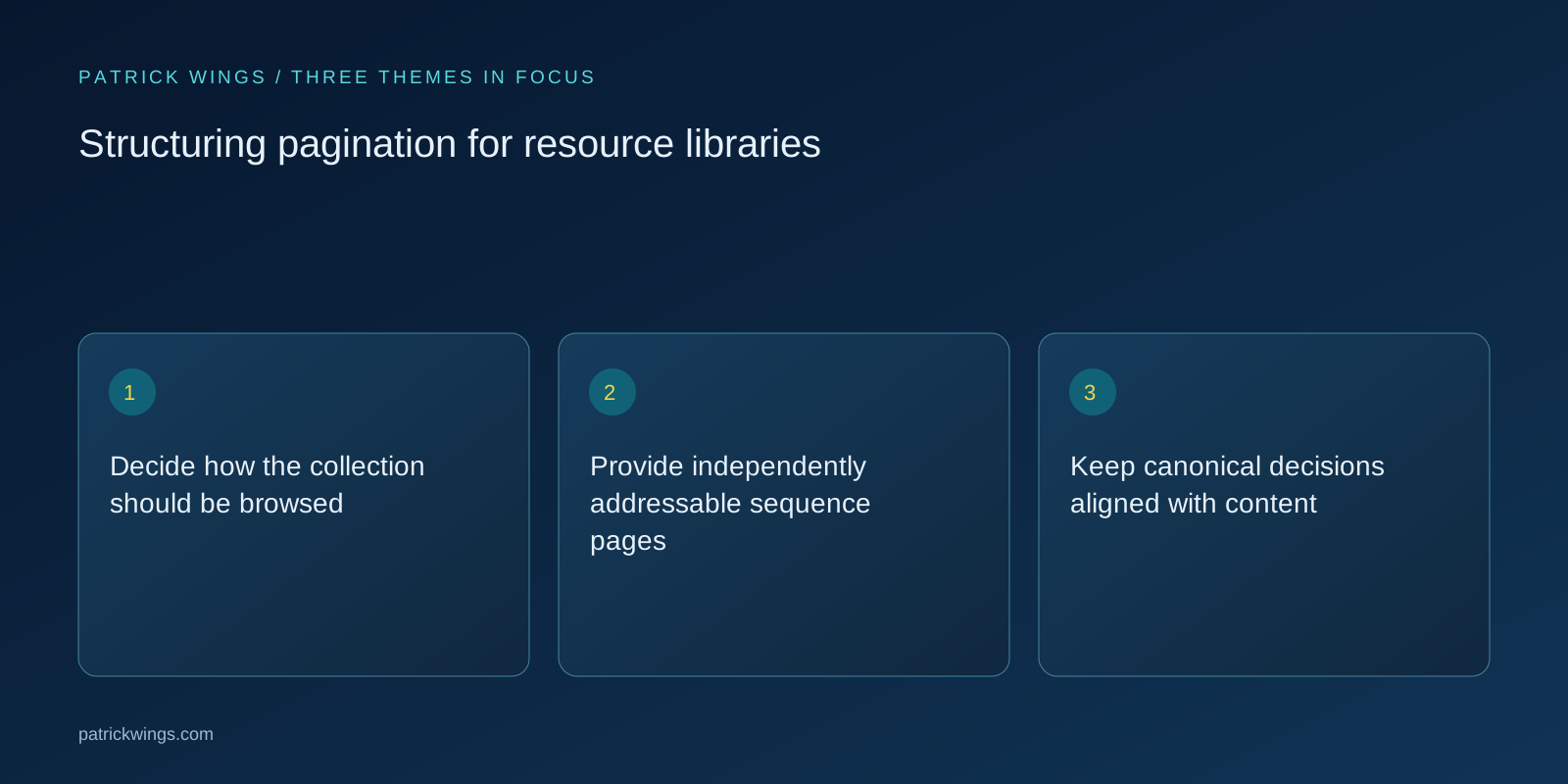
Keep canonical decisions aligned with content
Different pagination pages generally contain different resources, so do not automatically canonicalise the whole sequence to page one. Give each intended page an appropriate canonical reflecting its own content. Titles can clarify the collection and sequence context without implying that later pages are separate editorial guides. Ensure sitemap and indexing decisions match the role of the collection. If a template applies noindex to archive pages, investigate how individual resources remain discoverable rather than assuming that any one navigation mechanism will always compensate for another.
Test boundaries, updates and failure states
Check the first page, a middle page, the final page and an address beyond the valid sequence. Test empty collections and a collection that changes during publishing. Verify that navigation does not produce infinite next-page addresses, repeated items or a successful-looking page with no meaningful results. For infinite scroll, inspect whether the underlying component URLs work independently. Use a clean browser and a crawl without previous session state. Include accessibility review so keyboard users can understand movement through the list and recover their position after opening a resource.

Illustrative example: an expanding guide archive
Imagine an illustrative guide library that initially shows its latest resources and loads more on demand. The team adds stable sequence URLs and real links, while keeping the convenient load-more interaction. It links important older implementation guides from maintained topic pages rather than relying solely on their archive depth. It tests the last valid page after deleting a retired guide. This example illustrates a navigation design, not a promise that older articles will gain rankings simply because page numbers become crawlable or appear in a sitemap. Explore this further in the guide Testing JavaScript SEO through actual page delivery.
Review discovery instead of chasing page depth
Measure whether priority resources can be reached through sensible routes and whether observed crawler requests encounter invalid sequences. Investigate resources missing from the internal link graph, especially after category changes. Do not set a universal maximum click depth without considering site scale and navigation purpose. Review page performance and reader behaviour alongside crawl evidence. Success means predictable sequence navigation, accessible individual resources and no uncontrolled address generation. Search engines may still choose not to index every archive page, and that alone does not establish that the pagination implementation has failed. Explore this further in the guide Running canonical audits on SaaS websites.
INTERACTIVE / FROM READING TO ACTION
Three checkpoints for your implementation
Choose a checkpoint and track your reading progress. Checks are neither saved nor sent and do not score your business.
CHECKPOINT 01
Keep canonical decisions aligned with content
Different pagination pages generally contain different resources, so do not automatically canonicalise the whole sequence to page one.
Explore in the article ↗CHECKPOINT 02
Test boundaries, updates and failure states
Check the first page, a middle page, the final page and an address beyond the valid sequence.
Explore in the article ↗CHECKPOINT 03
Illustrative example: an expanding guide archive
Imagine an illustrative guide library that initially shows its latest resources and loads more on demand.
Explore in the article ↗Frequently asked questions
Should every page canonicalise to page one?
Not when each page contains a different part of the collection. Align canonicals with the actual content relationship.
Can we keep load more?
Yes. Pair it with suitable independently accessible sequence URLs and crawlable links where discovery is required.
Must every archive page be indexed?
No. Assess access to useful resources and the purpose of archive pages rather than demanding complete index coverage.
How can I put “Decide how the collection should be browsed” into practice?
Start with the reader’s task: browsing recent articles, locating a known guide or exploring a topic. Pagination, search and curated topic navigation solve different parts of that task. Define a stable ordering and choose how changes to the collection affect page boundaries.
What matters when working on “Provide independently addressable sequence pages”?
Give subsequent pages distinct URLs that return their own relevant item sets on a fresh request. Use ordinary anchor links with valid href destinations for navigation. A load-more control can enhance the interface, but it should not be the only route to additional items where search discovery matters.