

THE SHORT ANSWER
Onboarding content helps new users complete a first relevant task reliably. It does not turn the entire product manual into a welcome sequence; it guides people through necessary prerequisites, concrete steps and understandable outcomes. Start with the actual starting conditions of the target role. This article presents an editorial method for B2B SaaS rather than a universal definition of activation. Opening a welcome link or finishing tutorial clicks does not establish that someone understood the task or can safely repeat it in their own operating context without unplanned help.
To see how this step fits into your content strategy, read the pillar guide Content marketing for B2B SaaS: strategy, formats and qualified demand.
Choose the first usable task
Select a small task that matters to the role and is possible in the available environment. An administrator may start differently from a business user. Define the starting state, intended result and decision that becomes possible afterward. A comprehensive tour of menus is not necessarily a substitute. Ask implementation and support staff which mistaken assumptions repeatedly block the start. Prioritise the task from that observed situation rather than an internal list of impressive features that the product team wants to showcase. Preserve a concrete reason why this task belongs first for the chosen audience. Explore this further in the guide Technical evaluation content: connect IT and business questions.
Explain prerequisites before the first action
Record role, permissions, approved inputs, integration state and relevant configuration. Distinguish prerequisites the user can establish from work owned elsewhere. Instructions should not encourage repeated attempts when access is missing. Provide a clear handoff or help route. State the product and version context where it changes the steps. A friendly introduction can integrate this information readably; it should not omit it merely to make onboarding look shorter or appear exceptionally easy. Check that the person receiving the guide can identify which conditions are already satisfied and which still need attention.
When is a prerequisite complete?
The guide states an observable condition rather than merely assigning preparation. Check whether a new person can recognise it. If the product lacks that feedback, provide a verified check or help route in the instructions.
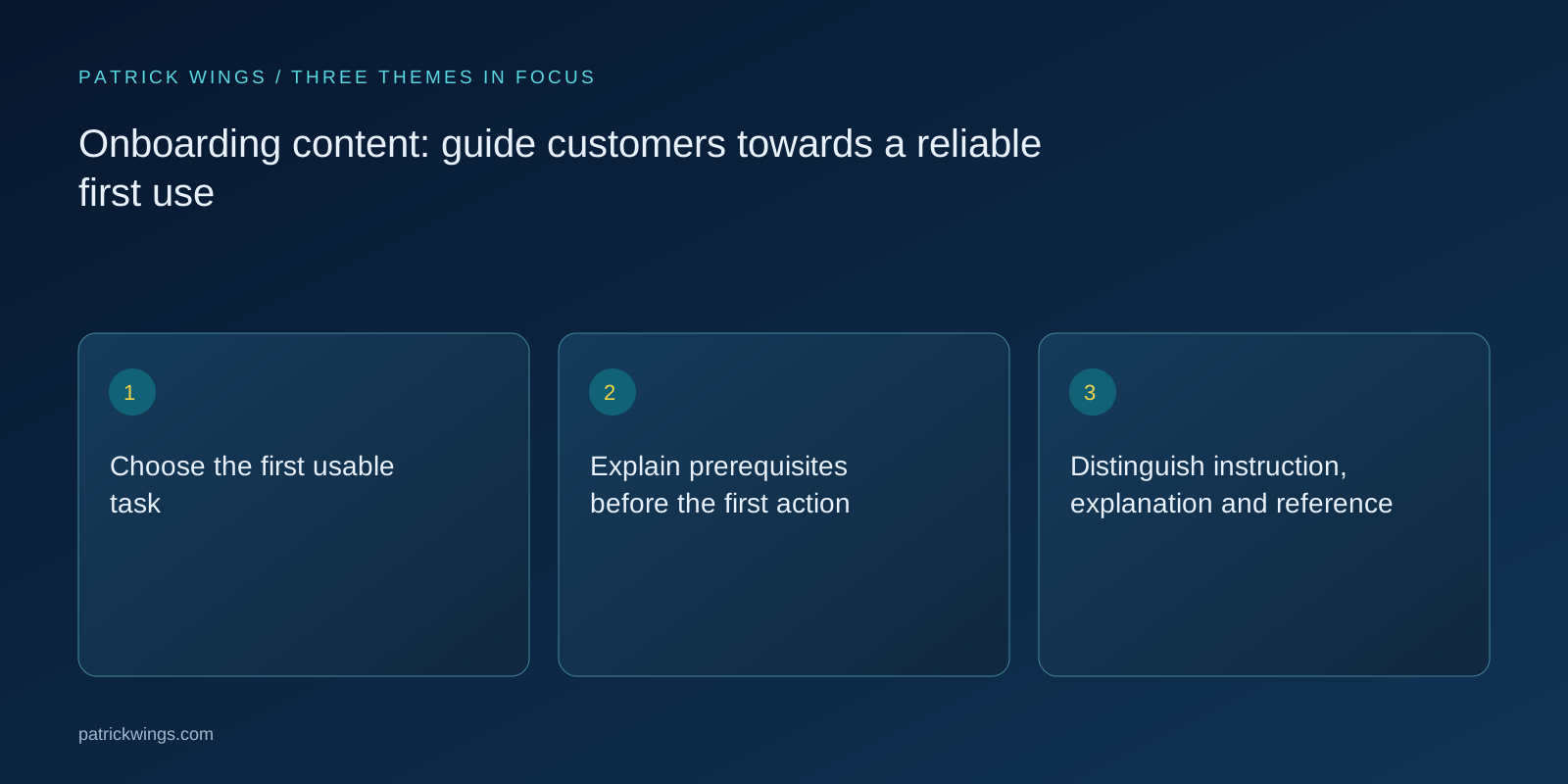
Distinguish instruction, explanation and reference
Diátaxis identifies different documentation purposes, including learning, task guidance, explanation and reference. Use that distinction as an editorial aid rather than a rigid compulsory template. The initial learning path needs a bounded sequence with an expected outcome. Deeper technical background or a complete parameter list can be linked alongside it. Do not overload the start with every exception, but do not hide a condition that fundamentally changes the task. Ask of each paragraph whether it supports the current action or would be easier to find and use in another layer of the documentation.
| Starting condition | Observation | Next step |
|---|---|---|
| Role confirmed | Appropriate inputs available | Begin the task |
| Permission missing | Action unavailable | Involve the accountable owner |
| Outcome unclear | User cannot explain status | Review instructions and feedback |
Write steps with observable outcomes
Each step states what the person does and how they recognise an appropriate intermediate state. “Finish configuration” is often insufficient without further explanation. Use actual interface terms and clear conditions for the next step. Explain errors so a suitable correction or help route is available. Do not rely exclusively on colour or an unexplained screenshot. Check the instructions in the current product edition and with relevant assistive technologies. Published order needs to match the actual workflow rather than a previous internal presentation or the sequence in which different teams happened to document their features. Explore this further in the guide Integration content: explain real workflows rather than logo walls.

Include mistakes in the learning design
Consider a likely confusion in the selected workflow and its consequences. Describe a safe correction only when it actually exists and has been confirmed by the responsible specialist. Where effects are uncertain, a concrete escalation is better than encouraging arbitrary setting changes. Record repeated problems and distinguish unclear explanation from product defects. A new tutorial cannot repair a broken permission. The accountable owner should understand which observation calls for an editorial revision and which requires technical investigation. Keep the original user behaviour beside the interpretation so reviewers can challenge an incorrect diagnosis.
Check independent use rather than click completion
Ask a new person to complete the task with the materials and explain the resulting outcome. Observe questions and reliance on spontaneous help. A completed sequence can look successful even when the person cannot repeat the workflow later. Agree appropriate domain acceptance without turning every onboarding encounter into an unnecessarily formal examination. Observation should improve the materials and make needed support visible. A few tests are not representative of every user and do not prove improved retention caused by the revised content. Report the narrow task and conditions actually observed rather than inventing a general adoption score.
What is recorded when help is needed?
Note where additional information became necessary and what was supplied. Successful completion with substantial spontaneous assistance differs from independent use. Both observations are useful but point towards different next improvements in the materials or product.
Fictional example: complete an initial approval task
An explicitly fictional SaaS application guides new business users through a prepared approval case. The instructions assume a confirmed role and approved sample data. They show the input, visible processing state and next accountable person. In the trial, a user confuses saving with submitting. Editors explain the difference and review the route again. This is an illustrative learning observation, not a real customer study. The successful example establishes neither a general productivity gain nor acceptance of every later role, integration and exception that may occur in the buyer’s operating environment.
Connect feedback and maintenance to the product
Assign ownership for instructions, screenshots, languages and onward links. A changed interface or role can affect several materials simultaneously. Use specific review triggers and give support an easy route to report conflicting explanations. Track completed tasks and needed assistance alongside simple open rates. Add qualitative questions about the next uncertainty. Onboarding content can then evolve with the actual workflow instead of remaining a friendly but obsolete welcome sequence beside the product. Preserve change context so that a later editor knows why an instruction changed and which dependent material also needs checking.
INTERACTIVE / FROM READING TO ACTION
Three checkpoints for your implementation
Choose a checkpoint and track your reading progress. Checks are neither saved nor sent and do not score your business.
CHECKPOINT 01
Distinguish instruction, explanation and reference
Diátaxis identifies different documentation purposes, including learning, task guidance, explanation and reference.
Explore in the article ↗CHECKPOINT 02
Write steps with observable outcomes
Each step states what the person does and how they recognise an appropriate intermediate state.
Explore in the article ↗CHECKPOINT 03
Include mistakes in the learning design
Consider a likely confusion in the selected workflow and its consequences.
Explore in the article ↗Frequently asked questions
Is onboarding content a product tour?
Not necessarily. A tour presents interfaces; onboarding supports a relevant first task. The question is whether the role can achieve an understandable outcome with its actual prerequisites and knows how to continue afterward.
What counts as activation?
Define it for the product, role and business model. Click completion is often insufficient. Select an observable meaningful action and state the interpretation that the evidence actually permits rather than assuming a universal benchmark.
How much technical background belongs here?
Include what the task needs for safe understanding. Link deeper explanation and reference separately. Do not move a prerequisite elsewhere when users need it before they can responsibly take the next step.
How should errors be handled?
Explain likely mistakes with a verified correction or accountable help route. Separate misunderstanding from defects. Do not invent a generic reset instruction when its effects on the actual state are unknown or potentially consequential.
Who checks the instructions?
Specialists accept the workflow, and suitable new users assess comprehension and application. Support and implementation contribute actual questions. Editors structure the findings and maintain consistency across versions and translated editions.
How can success be observed?
Review task completion, correct interpretation and assistance required. Add unresolved questions. Open rates and tutorial progress are supplementary signals; they cannot establish independent use or retention caused by the onboarding content alone.