

THE SHORT ANSWER
A B2B calculator is useful content when people understand the assumptions they enter, how the result is produced and which decision the output can cautiously inform. An impressive figure cannot replace a traceable calculation. Start with a specific buyer question and a simple disclosed model. Distinguish user-supplied inputs, editorial example assumptions and computed outputs. This article covers content design and collaboration with engineering and subject reviewers, not dependable savings promises for your product. Where an input has no defensible basis, the calculator should preserve that uncertainty rather than transform it into a confident-looking business result.
To see how this step fits into your content strategy, read the pillar guide Content marketing for B2B SaaS: strategy, formats and qualified demand.
Choose a question that can actually be modelled
First state what a person wants to compare or estimate. “How successful will your digital transformation be?” is too broad for a simple calculator. “What assumed manual effort changes in this bounded workflow?” is more manageable. Describe the process, period and cost scope, including work that would remain after the proposed change.
Check whether users know the inputs. If several values require extensive consulting to establish, a guided worksheet may be more suitable. Interactivity should not create false precision. Decide whether the output is a calculation, orientation aid or prioritization diagnostic, and name that function on the page. Readers should understand the intended level of evidence before investing time in entering their own information. Explore this further in the guide Writing B2B comparison pages with defensible criteria.
Explain units and input provenance
Each field needs an understandable label, unit, observation period and method for obtaining the value. “Volume” is ambiguous; “transactions processed per month” is inspectable.
W3C WAI explains the role of recognizable labels and instructions in forms. Apply that through useful help beside each field. Label an example value as an example and allow it to be changed or removed. Hidden defaults are particularly misleading when they systematically favour an optimistic outcome. For suggested inputs ask about source, scope and date. Do not call an unsupported editorial assumption an industry norm merely because a populated form appears easier to complete.
Which unit does the input use?
Separate minutes per transaction from hours per team, and implementation expenditure from recurring costs. Content review should find these definition problems before debating colours or headline style.
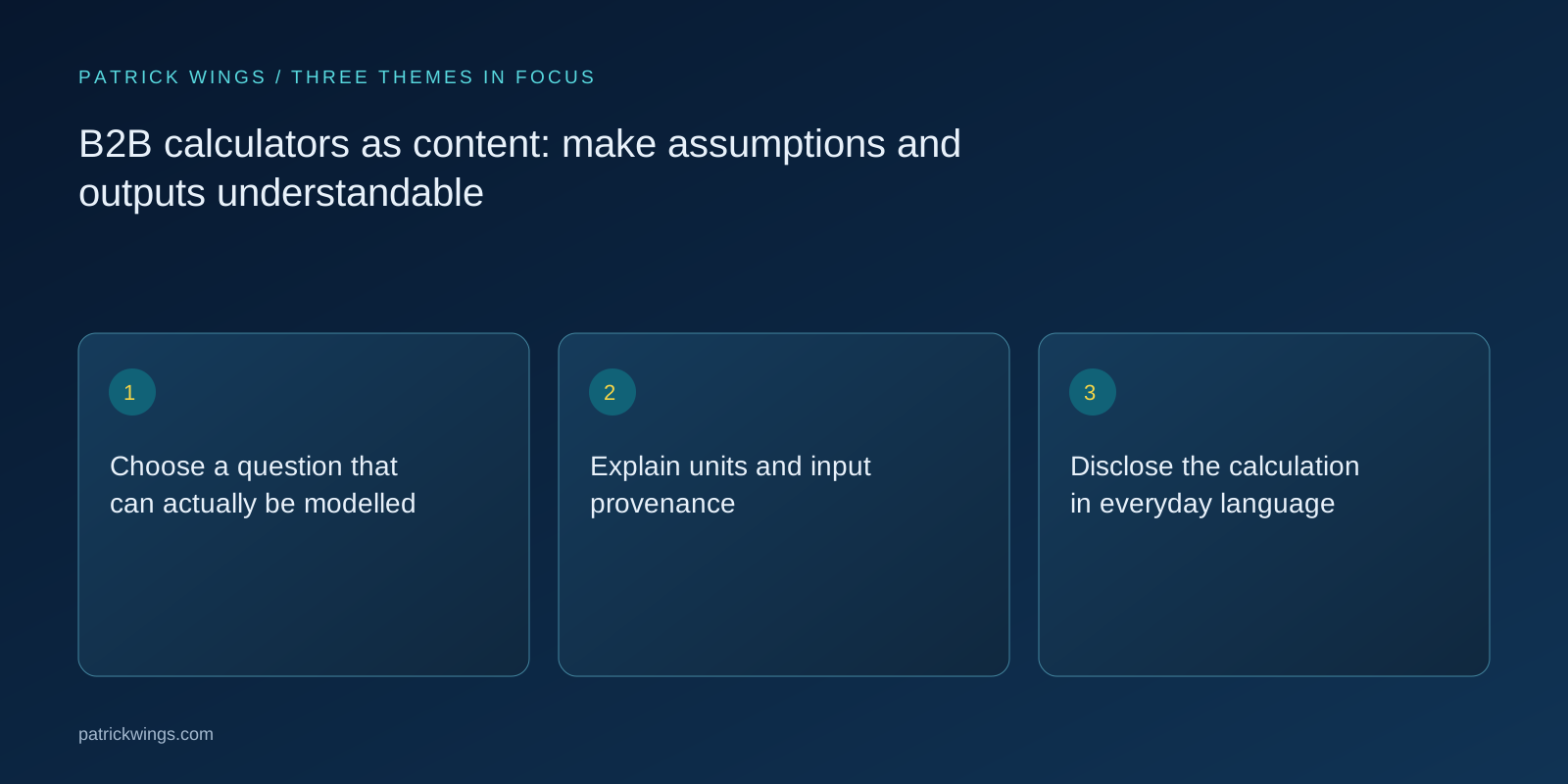
Disclose the calculation in everyday language
Show the essential formula beside the result. For example, monthly transactions multiplied by assumed minutes per transaction first produces monthly minutes. Divide by sixty to obtain hours. Cost follows only when a consistently defined cost rate is applied. A difference in time does not automatically represent realizable headcount reduction, additional profit or money that becomes available to spend elsewhere.
Have a subject reviewer use small cases that can be recalculated manually: zero volume, unchanged processing time, additional review and an economically negative difference. Silently replacing negative results with zero hides useful information. Explain necessary limits. Editorial describes what the formula means while engineering implements logic and states. Both groups must review the same version rather than approving different interpretations of the model.
| Review field | Evidence or observation | Next decision |
|---|---|---|
| Input | Source and uncertainty beside the value | Calculate transparently or retain the unknown |
| unit | Source and uncertainty beside the value | Calculate transparently or retain the unknown |
| output | Source and uncertainty beside the value | Calculate transparently or retain the unknown |
Show uncertainty and adverse scenarios
Avoid a single apparently precise total when inputs are uncertain. A base case and a more cautious scenario can reveal which assumption materially changes the outcome. Vary explicit drivers such as actual adoption, rework or implementation effort. An invented percentage contingency is less informative than a concrete second calculation with an explained reason. Explore this further in the guide Business-case content: support buyers with transparent assumptions.
State beside the output what it does not establish. An estimate using personal inputs is not an observed customer result. Possible time savings may be consumed by training, approval or extra process work. Do not bury the relevant limitation among generic warnings: place it next to the affected figure. Define technical terms only when they are necessary to assess the decision, and make those definitions understandable enough for a buyer to inspect the reasoning independently.

Fictional example with visible arithmetic
The invented SaaS company Prozesshain offers a calculator for a limited review step. This wholly fictional example assumes two hundred monthly transactions and six manual minutes per transaction, producing twenty baseline hours. The alternative assumes four processing minutes plus one minute of human checking: approximately 16.7 hours in total. The arithmetic difference is around 3.3 hours before implementation and exceptional cases are included.
These figures are invented planning assumptions, not performance promises. The calculator therefore displays all five minutes of alternative work rather than advertising only the four minutes of initial handling. Different user inputs change the outcome. A separate implementation input shows when a small monthly difference fails to offset initial effort within the selected period. No implied customer success story is needed to make the arithmetic useful.
Write accessible feedback and states
Define normal, missing, implausible and technically uncomputable states with engineering. When an entry fails validation, identify the field and explain the expected input.
The result should remain understandable without colour or a visual chart. Provide figures, units and a short textual interpretation. Include keyboard interaction and meaningful labels in acceptance review. Automatic recalculation must not repeatedly disrupt reading. Editorial and engineering should test the same realistic journey rather than accepting copy, visual design and interaction separately while overlooking problems that only appear when these parts operate together.
How is an incomplete state explained?
“Invalid value” is less useful than a specific instruction about the unit. W3C WAI discusses understandable validation and feedback as part of accessible forms; inspect the actual implementation with those responsible for accessibility and front-end behaviour.
Connect the result to a useful next action
After the calculation, suggest an appropriate next action: verify a sensitive assumption, export the inputs or discuss a clearly bounded case. Completing a calculator does not automatically make someone a qualified lead. The person may simply have explored an idea. Do not treat every submitted scenario as confirmed buying intent or as evidence that the organization faces the exact problem your product solves.
Explain the model before any optional contact collection where practical. If a form requests a further service, make the consequence clear. A freely usable calculator serves a different purpose from a supported assessment. Choose according to the reader task and your actual fulfilment capacity. The calculation should still provide a useful insight when nobody proceeds to a sales conversation afterward.
Assign model maintenance and acceptance
Record the formula version, field definitions, sources and accountable subject owner. Agree review triggers such as a changed product workflow, a new price component or recurring misunderstanding. Re-run the known control cases after model changes. A simpler sentence must not accidentally change the mathematics, and a technical adjustment must not quietly create a stronger performance claim.
Begin with a small model whose calculation is fully understood. Observe missing inputs and interpretations that cause questions, then add functionality only when it improves an actual decision. Stop release if an essential relationship remains unresolved or an adverse outcome is concealed. An understandable worksheet is preferable to an impressive-looking calculator whose central assumptions nobody is prepared to own or explain to the intended users.
INTERACTIVE / FROM READING TO ACTION
Three checkpoints for your implementation
Choose a checkpoint and track your reading progress. Checks are neither saved nor sent and do not score your business.
CHECKPOINT 01
Disclose the calculation in everyday language
Show the essential formula beside the result.
Explore in the article ↗CHECKPOINT 02
Show uncertainty and adverse scenarios
Avoid a single apparently precise total when inputs are uncertain.
Explore in the article ↗CHECKPOINT 03
Fictional example with visible arithmetic
The invented SaaS company Prozesshain offers a calculator for a limited review step.
Explore in the article ↗Frequently asked questions
Does every calculator need an ROI figure?
No. A calculator may compare effort, prerequisites or scenarios. Return calculations require appropriately defined cost scope, period and assumptions.
Can fields contain default values?
Clearly identify editable example assumptions. Without dependable evidence, do not describe them as typical customer outcomes or industry averages.
How should negative results be explained?
Show them with an understandable interpretation. An adverse scenario can reveal a useful boundary and should not silently be replaced with an optimistic result.
Who owns the formula and explanation?
A subject expert accepts the model, engineering implements it, and editorial explains inputs and outputs. Everyone reviews the same identified version.
Is every completed calculation a lead?
No. Use initially indicates interest in a question or scenario. Buying intent and suitable need require other appropriate evidence.
What is the most useful acceptance exercise?
Manually recalculate small known cases and observe someone entering and interpreting values, including missing inputs, adverse scenarios and keyboard interaction.