

THE SHORT ANSWER
Use robots.txt to manage crawler access, noindex to request exclusion from supported search indexes, and canonical annotations to identify a preferred version of duplicate content. These controls solve different problems. Decide the intended outcome for each URL before choosing an implementation, then verify what your production server actually delivers.
For the broader picture of technical foundations, useful content and visibility measurement, read the pillar guide SEO, GEO and AEO for SaaS: visibility that supports buying decisions.
Start with a URL decision table
List the URL families your application creates: public articles, campaign variants, account screens, internal search results and downloadable files. For each family, write down whether people should reach it, whether a search engine should fetch it and whether it should appear independently in results. Assign an owner who understands both the content and the implementation. This prevents a developer from receiving an ambiguous request to hide something when the real requirement is consolidating tracking variants or protecting customer information.
Apply noindex where exclusion is the goal
Google must fetch a page to discover its noindex directive. Blocking that same URL through robots.txt can therefore prevent the exclusion rule from being read. Place the directive in the HTML head or use an appropriate HTTP response header, particularly for non-HTML resources. Inspect headers as well as source code because infrastructure can introduce additional rules. Keep confidential material behind authentication; a search exclusion directive does not stop people or uncooperative software from accessing a public address.
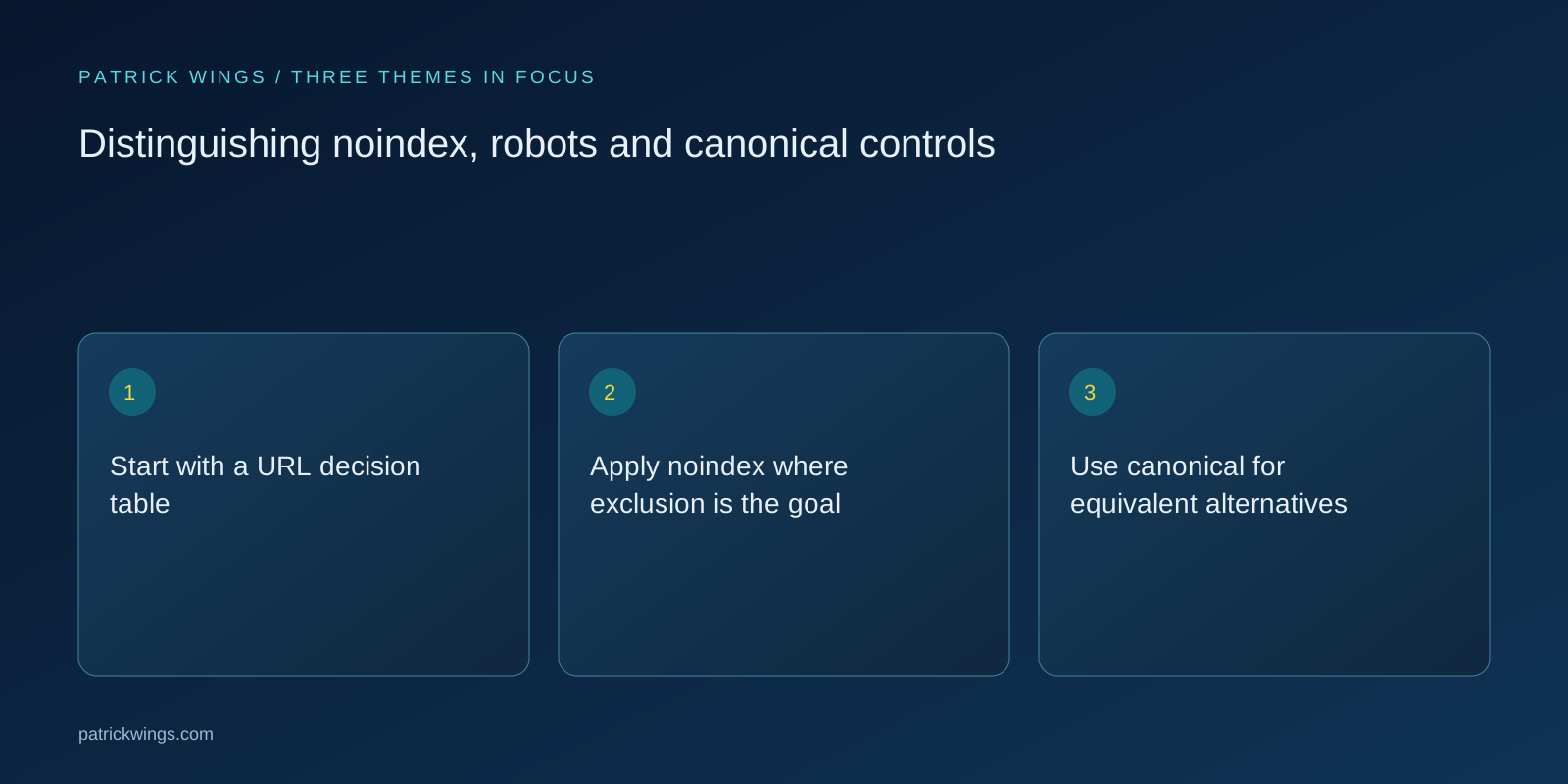
Use canonical for equivalent alternatives
Canonical annotations express a preferred representative among duplicate or closely similar pages. They do not force search engines to treat unrelated content as equivalent. Compare the main answer, audience and function before grouping URLs. Keep internal links, sitemap entries and canonical targets consistent, and verify that the preferred URL resolves successfully. If a campaign parameter changes only attribution, consolidating it may make sense; if a parameter creates genuinely different inventory or information, investigate the difference before applying a blanket rule. Explore this further in the guide Running canonical audits on SaaS websites.
Test a representative production sample
Select examples from every template and from exceptions such as PDFs, paginated lists and locale variants. Record response status, robots accessibility, meta directives, HTTP directives and canonical target in one table. Compare the original response with the rendered page when JavaScript changes metadata. Repeat the checks after passing through the live CDN. A successful test on a developer workstation cannot establish that production visitors and verified crawlers receive the same policy or that caches have refreshed correctly.

Illustrative example: a webinar library
Imagine a software company with a public webinar recap, a tracking version of that recap and an attendee download containing personal details. This is an illustrative scenario, not a measured client result. The recap remains indexable; the equivalent tracking version points to the recap as canonical. The sensitive download moves behind access control rather than relying on robots directives. The team separately decides whether an ordinary public thank-you page needs noindex, and tests that its directive remains visible to the relevant crawler. Explore this further in the guide Treating robots.txt as a testable access policy.
Review outcomes without assuming certainty
After deployment, use URL inspection and index reports alongside server evidence. A declared canonical and a search engine’s selected canonical may differ, so investigate content similarity and contradictory signals rather than repeatedly submitting the same URL. Review policies whenever templates, download handling or authentication change. Success means the implementation matches the documented purpose and observed exceptions have an owner. Index updates depend on recrawling and processing; none of these controls provides an immediate ranking improvement or guarantees inclusion in an AI-generated answer.
INTERACTIVE / FROM READING TO ACTION
Three checkpoints for your implementation
Choose a checkpoint and track your reading progress. Checks are neither saved nor sent and do not score your business.
CHECKPOINT 01
Use canonical for equivalent alternatives
Canonical annotations express a preferred representative among duplicate or closely similar pages.
Explore in the article ↗CHECKPOINT 02
Test a representative production sample
Select examples from every template and from exceptions such as PDFs, paginated lists and locale variants.
Explore in the article ↗CHECKPOINT 03
Illustrative example: a webinar library
Imagine a software company with a public webinar recap, a tracking version of that recap and an attendee download containing personal details.
Explore in the article ↗Frequently asked questions
Can robots.txt remove an indexed URL?
A crawl restriction is not a dependable removal mechanism. Google can know a blocked URL from links without fetching its content.
Can a PDF use noindex?
Yes. A supporting crawler can read noindex in the X-Robots-Tag HTTP response header.
Should translations canonicalise to English?
Usually each genuine language version should identify an appropriate same-language canonical; use language annotations to describe equivalents.
How can I put “Start with a URL decision table” into practice?
List the URL families your application creates: public articles, campaign variants, account screens, internal search results and downloadable files. For each family, write down whether people should reach it, whether a search engine should fetch it and whether it should appear independently in results. Assign an owner who understands both the content and the implementation.
What matters when working on “Apply noindex where exclusion is the goal”?
Google must fetch a page to discover its noindex directive. Blocking that same URL through robots.txt can therefore prevent the exclusion rule from being read. Place the directive in the HTML head or use an appropriate HTTP response header, particularly for non-HTML resources.