

THE SHORT ANSWER
A search query hints at an information need; it is not a finished content brief. Review search data alongside existing pages, conversations and the actual offer. The outcome should be a justified list of unanswered tasks. Commission another article only when an existing page cannot reasonably take responsibility for answering the question.
For the broader picture of technical foundations, useful content and visibility measurement, read the pillar guide SEO, GEO and AEO for SaaS: visibility that supports buying decisions.
Choose a comparable search-data window
Define the property, language and period before analysis. Separate branded searches from general questions and note major product, navigation or measurement changes. Export relevant queries alongside destination pages where the report provides them. Search Console does not expose every individual query, and aggregation can affect visible totals. Absence from an export therefore does not establish absence of demand. Treat the material as an observed sample. Compare suitable periods and preserve filters so that a subsequent review does not silently represent a different market, audience or collection of pages.
Identify the task behind the wording
Read related queries together and state the presumed task explicitly. An integration term might concern available connectors, implementation steps or commercial costs. These require different answers. Assign a buyer role, decision stage or prerequisite only when additional evidence supports that interpretation. Flag ambiguous cases rather than hiding uncertainty inside a convenient keyword cluster. Ask sales or support which reading appears in real conversations. The editorial question remains a hypothesis until supporting evidence exists. Retain relevant original wording so that a later review can revisit the conclusion rather than inheriting the first analyst’s assumptions. Explore this further in the guide Discovering search questions through B2B buyer interviews.
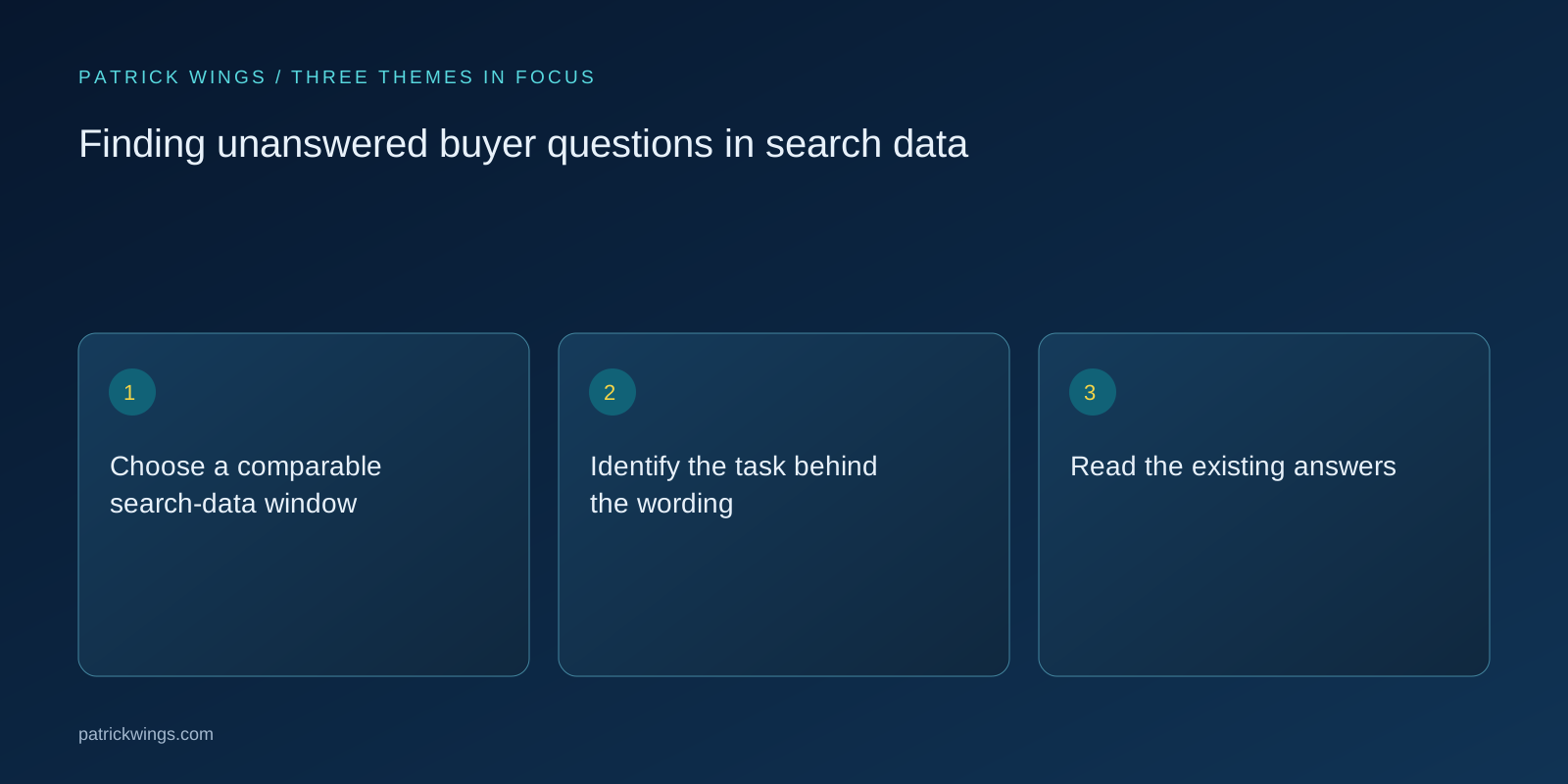
Read the existing answers
Open the pages already appearing for the topic or designated internally to cover it. Decide whether the answer is missing, hard to locate, outdated or substantively inadequate. A relevant heading does not demonstrate that the task is fulfilled. Check conditions, examples, evidence and the next action. Distinguish an editorial gap from a technical problem: a useful existing answer may be inaccessible or point to the wrong canonical destination. Publishing another article can create unnecessary competition in that situation. Record the specific missing information and where a reader would reasonably expect to find it on the current site.
Prioritise gaps by decision value
Assess which unanswered question blocks a relevant decision and whether your team can provide a dependable answer. High observed demand is insufficient when a question falls outside your competence. A prioritised record names the reader task, supporting observations, intended destination, expert reviewer and evidence required. Consider maintenance effort as well. Product comparisons and technical instructions can date quickly. Build a modest, justified sequence rather than deriving a whole publication programme from one export. Improving an existing page may be the appropriate first intervention, even when new articles would look more prominent in the editorial calendar. Explore this further in the guide Turning sales questions into a searchable editorial library.

Example: separating integration questions
A hypothetical software supplier observes queries about its connection to a CRM. The existing page displays only the partner logo. Conversations reveal two tasks: buyers need the supported data scope, while administrators need setup instructions. The team adds limitations and prerequisites to the commercial integration page and creates a linked technical guide for the separate procedure. It does not open another article for every wording variation. The decision follows different tasks rather than a universal length or volume threshold. Unresolved product details remain review actions in the brief until the responsible specialist confirms them.
Review against the original problem
Before implementation, state which question should become answerable. After publication, check accessibility, indexability and the visible explanation independently of short-term click changes. Observe relevant queries and reader feedback over a suitable period. Visibility and demand can shift for several reasons; a chronological sequence does not prove that the new section caused the change. If a page continues attracting mismatched visitors, revisit the task interpretation and snippet before automatically extending the copy. Record the gap addressed and any question deliberately left outside scope. Search data then supports an auditable editorial decision rather than endless article production.
INTERACTIVE / FROM READING TO ACTION
Three checkpoints for your implementation
Choose a checkpoint and track your reading progress. Checks are neither saved nor sent and do not score your business.
CHECKPOINT 01
Read the existing answers
Open the pages already appearing for the topic or designated internally to cover it.
Explore in the article ↗CHECKPOINT 02
Prioritise gaps by decision value
Assess which unanswered question blocks a relevant decision and whether your team can provide a dependable answer.
Explore in the article ↗CHECKPOINT 03
Example: separating integration questions
A hypothetical software supplier observes queries about its connection to a CRM.
Explore in the article ↗Frequently asked questions
Does a missing keyword prove a content gap?
No. Reports are incomplete and equivalent questions may already have useful answers.
When does a question need its own page?
When it serves a distinct substantial task that cannot reasonably fit the existing destination.
What complements search reports?
Use buyer conversations, support cases and verified product information.
How can I put “Choose a comparable search-data window” into practice?
Define the property, language and period before analysis. Separate branded searches from general questions and note major product, navigation or measurement changes. Export relevant queries alongside destination pages where the report provides them.
What matters when working on “Identify the task behind the wording”?
Read related queries together and state the presumed task explicitly. An integration term might concern available connectors, implementation steps or commercial costs. These require different answers.